Kalan bütçe bir bakışta
Aylık gelirden giderler düşülür; kalan tutar, ödenen ve bekleyen ödemeler grafikle görünür.
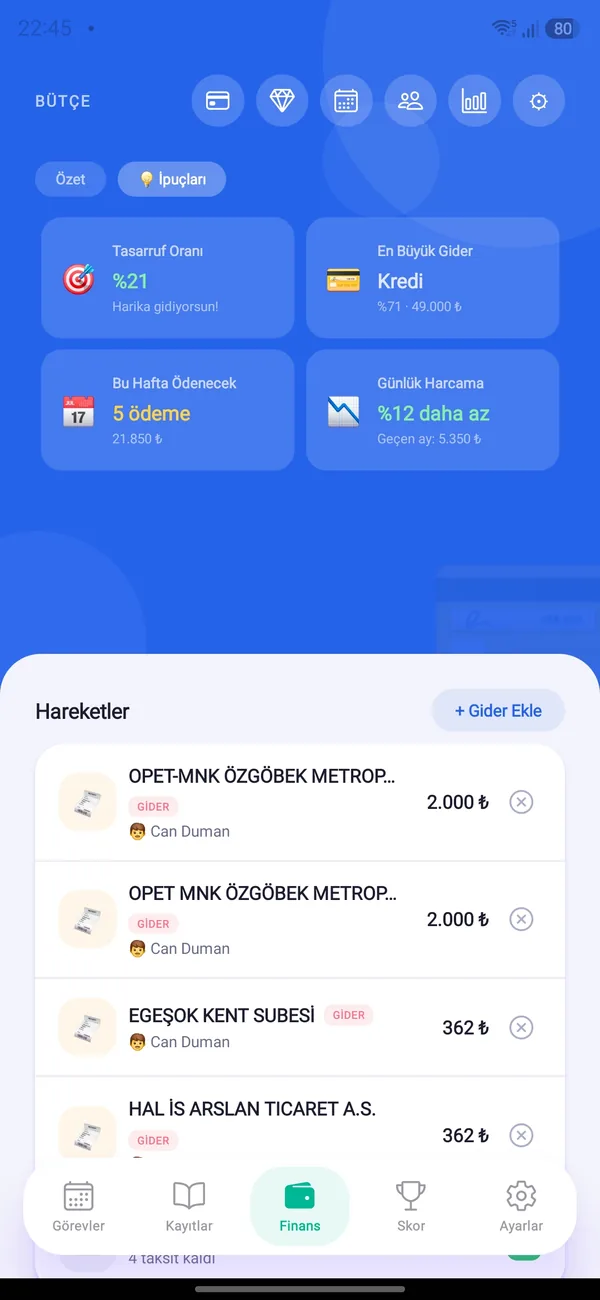
Gelirini, sabit ve günlük giderlerini, taksit ve kredilerini tek ekranda gör. Ay sonu kalan bütçe artık sürpriz olmasın.


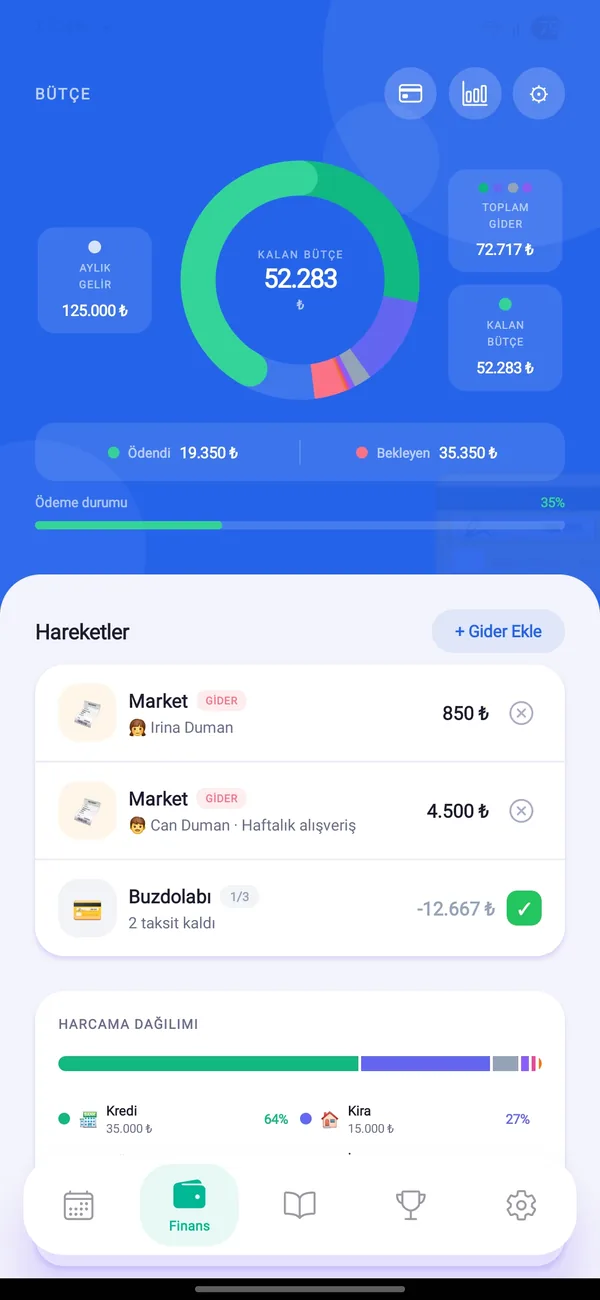
Aylık gelirden giderler düşülür; kalan tutar, ödenen ve bekleyen ödemeler grafikle görünür.
Kira, fatura, aidat gibi aylık ödemeleri bir kez tanımla. Vade günü ve ödendi durumu her ay takip edilir.
Fişin fotoğrafını çek; tutar ve işyeri adı forma otomatik gelsin. Fotoğraf yalnızca okunmak için işlenir, saklanmaz.
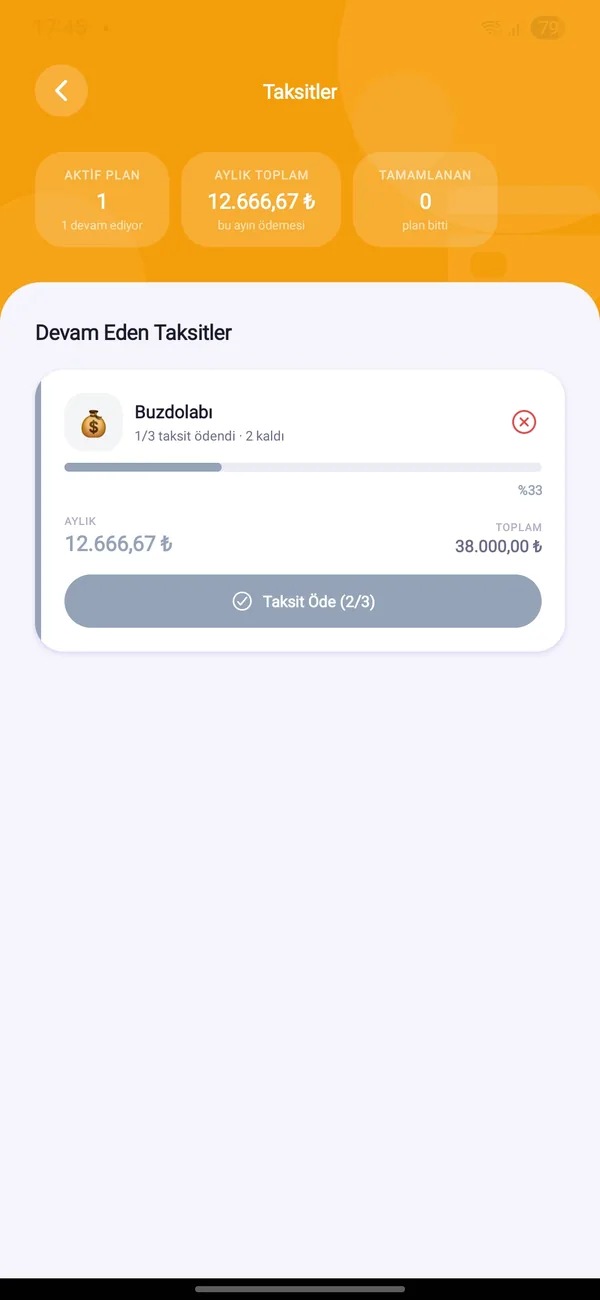
Toplam tutarı, taksit sayısını ve ilk ödeme ayını gir. Ödenen ve kalan taksitler, aylık yük ve bitiş tarihi görünür.
Türk lirası, dolar, euro ve altın (gram, çeyrek, yarım, tam, Cumhuriyet, Ata) birikimlerini güncel kurlarla toplam değeriyle gör.
Kime ne borcun, kimden ne alacağın var — vade günü hatırlatmasıyla. Tek dokunuşla “Parayı aldım” ya da “Ödedim” de.
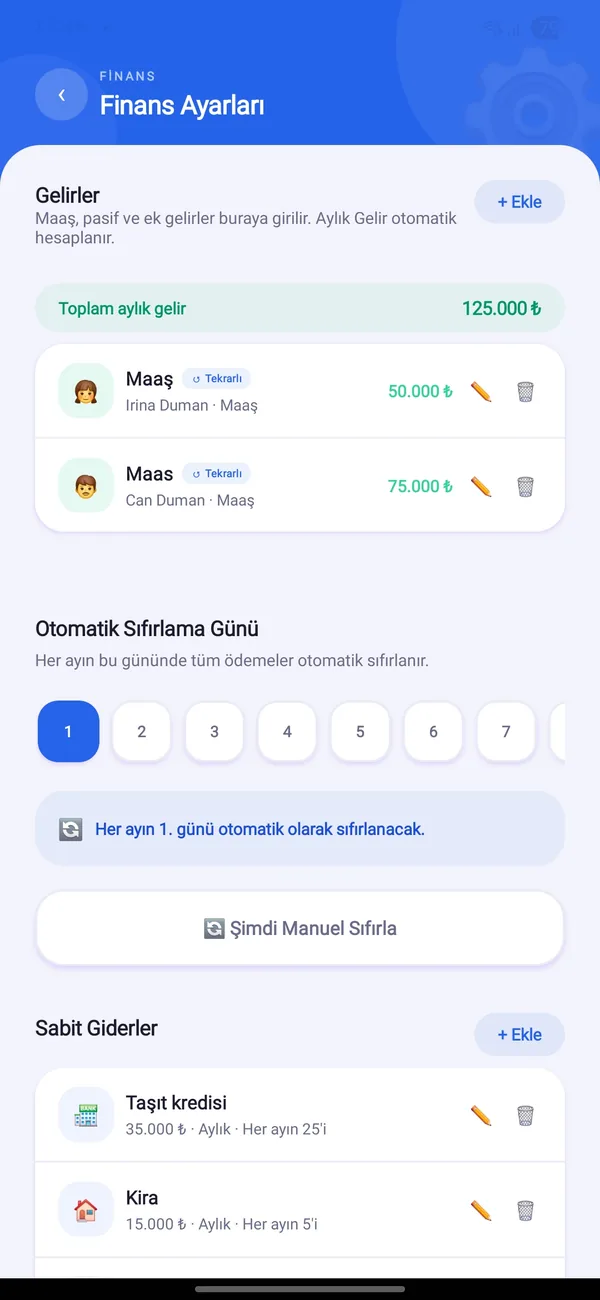
Her ayın seçtiğin gününde ödemeler otomatik sıfırlanır; istersen elle de sıfırlayabilirsin.

Android ve iOS’ta ücretsiz. Hanenle birlikte başla.