1. Home
  2. Budget & Finance
Budget & Finance

Know where your money goes.

See income, fixed and daily expenses, installments and loans on one screen. No more surprises at the end of the month.

Budget & Finance
Budget & Finance — second screen
What you can do

Highlights

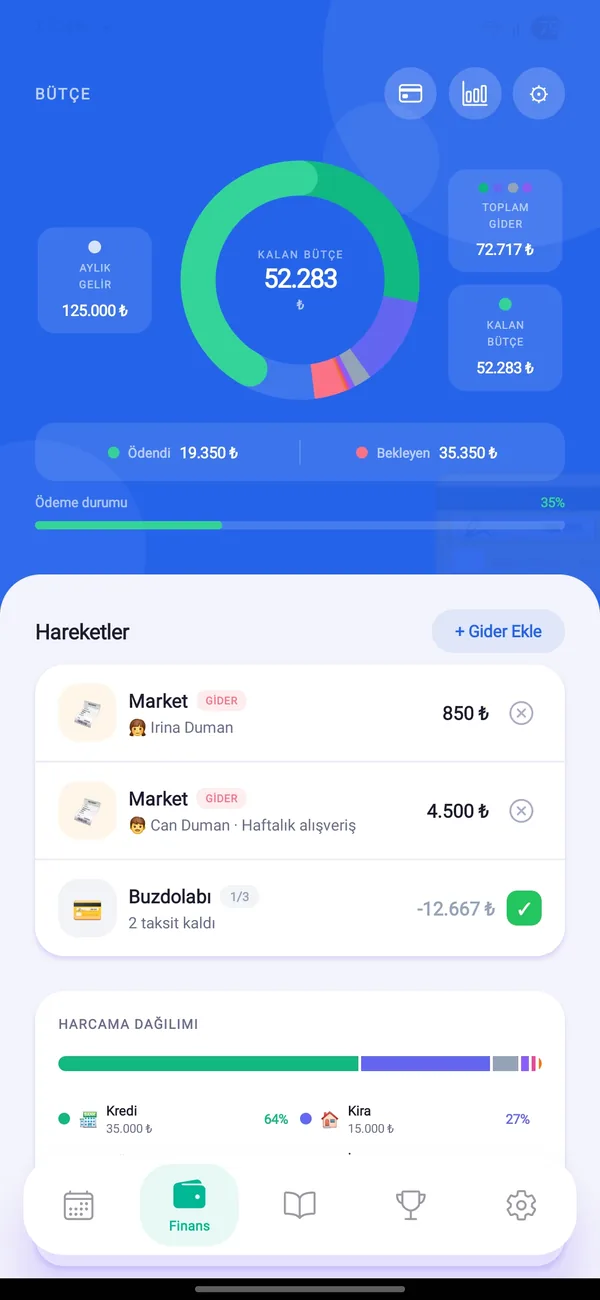
Remaining budget at a glance

Expenses are deducted from monthly income; what is left, paid and still pending shows up in a chart.

Fixed expenses

Define rent, bills and dues once. Due dates and paid status are tracked every month.

Receipt scanning

Snap a receipt and the amount and merchant fill in automatically. The photo is only processed to be read, not stored.

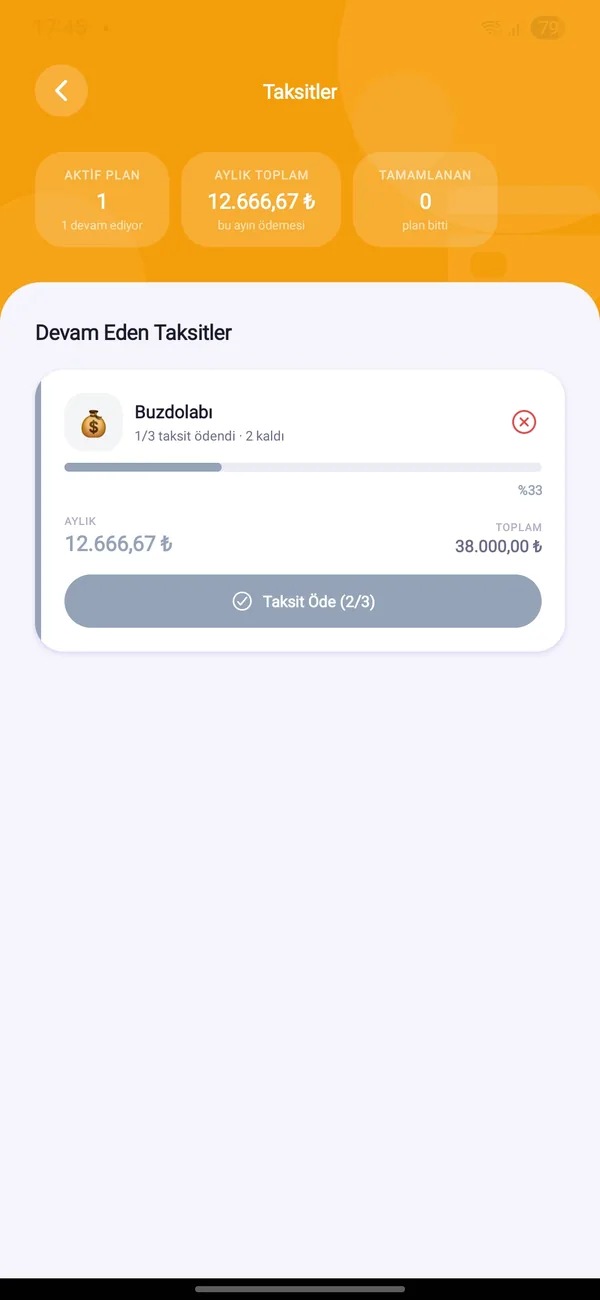
Loans & installments

Enter the total, number of installments and first payment month. Paid and remaining installments, monthly load and end date are shown.

Savings tracker

Track lira, dollars, euros and gold (gram, quarter, half, full, Republic, Ata) at current rates, with the total value.

Debts & receivables

Who you owe and who owes you, with a due-date reminder. Mark “Received” or “Paid” with one tap.
In the app

Screens

Budget & Finance
Budget & Finance
Budget & Finance
Budget & Finance
Step by step

How to use it

For more detail see the User Guide.

Quick start

  1. Open the Finance tab from the bottom bar.
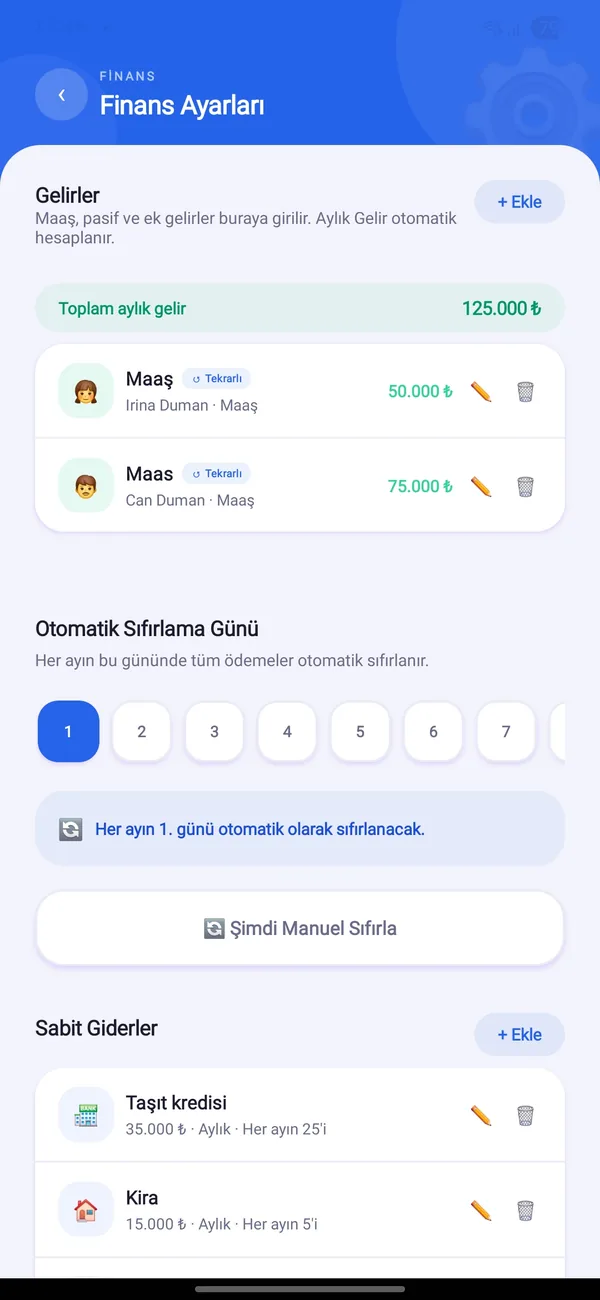
  2. In Finance Settings, add your monthly income (salary etc.).
  3. Add fixed expenses like rent and bills and choose the due day.
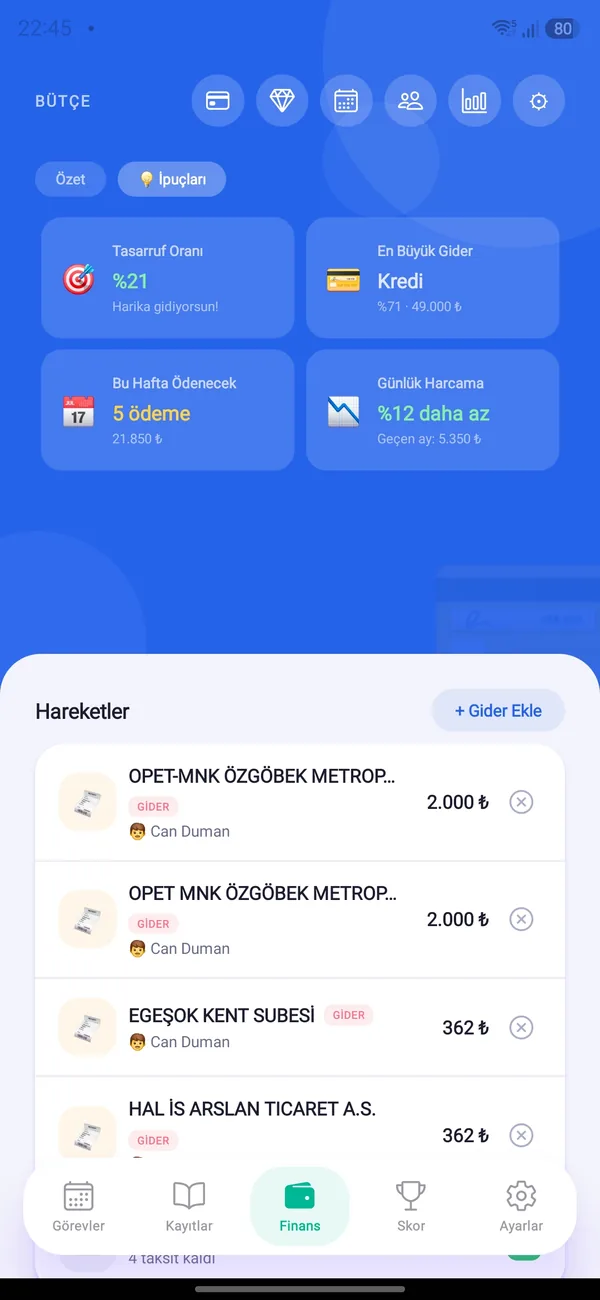
  4. Log daily spending with “+ Add Expense”.

On the day you choose each month, payments reset automatically; you can also reset manually.

Income & expenses

  1. Add income as one-off or recurring; recurring income repeats every month.
  2. Give expenses a category, description and the member who paid.
  3. See all income and expenses in date order on the Transactions screen.

Loans & installments

  1. From Loans & Installments add a plan: title, total amount, number of installments.
  2. If you enter already paid installments, the plan continues from there.
  3. Tap “Pay Installment” each month; the monthly load flows into your budget.

Savings, debts & calendar

  1. In Savings add gold or currency holdings; the current value is calculated automatically.
  2. In Debts use the “Owed to me” and “I owe” tabs.
  3. On the Payment Calendar, see which day each fixed expense and installment falls on.

Try HomBoo

Free on Android and iOS. Start together with your household.