Your One-Stop Home Management App
From budget to tasks, shopping to meal planning — every home need is in HomBoo.

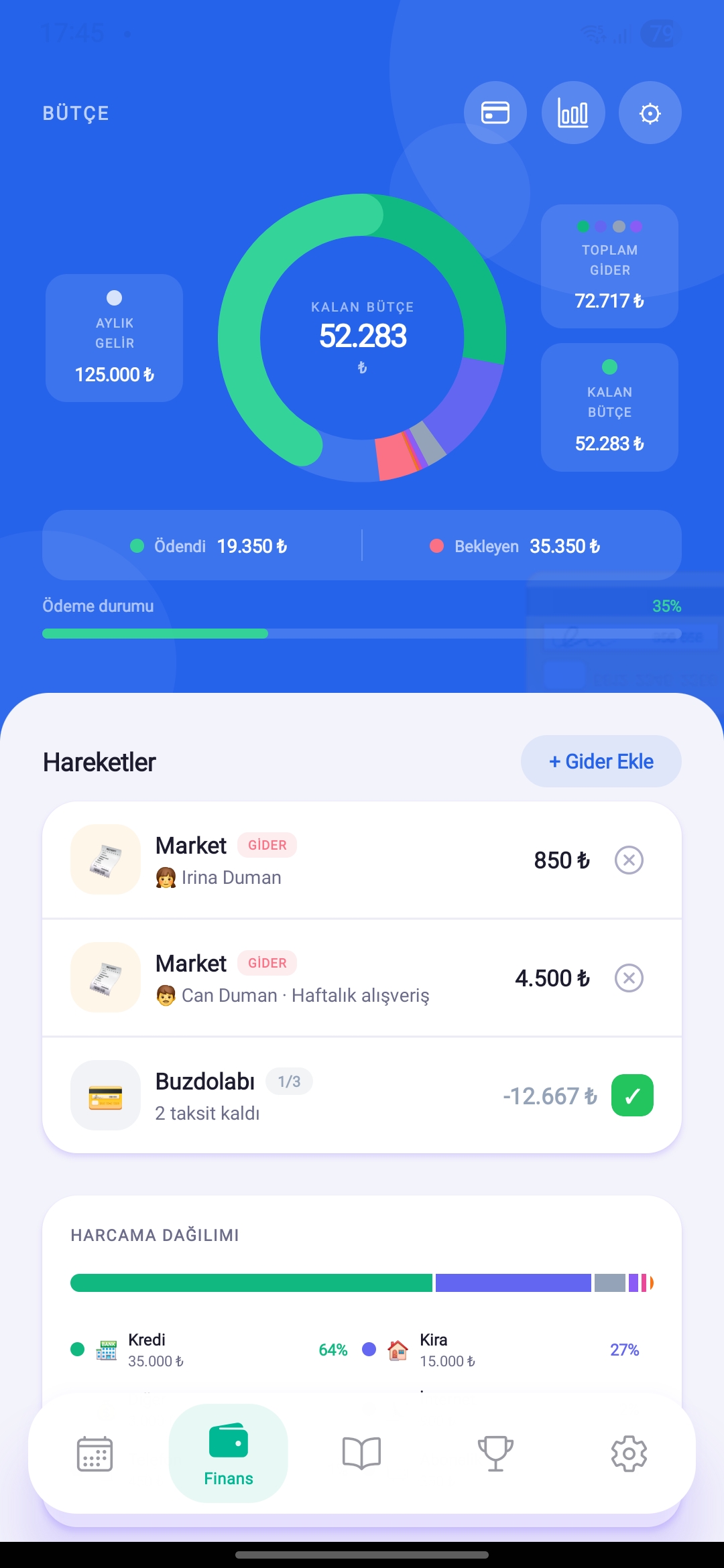
Keep Your Income & Expenses Under Full Control
See income, fixed costs, installments and daily spending in one screen. Category limits and instant alerts keep you on track.
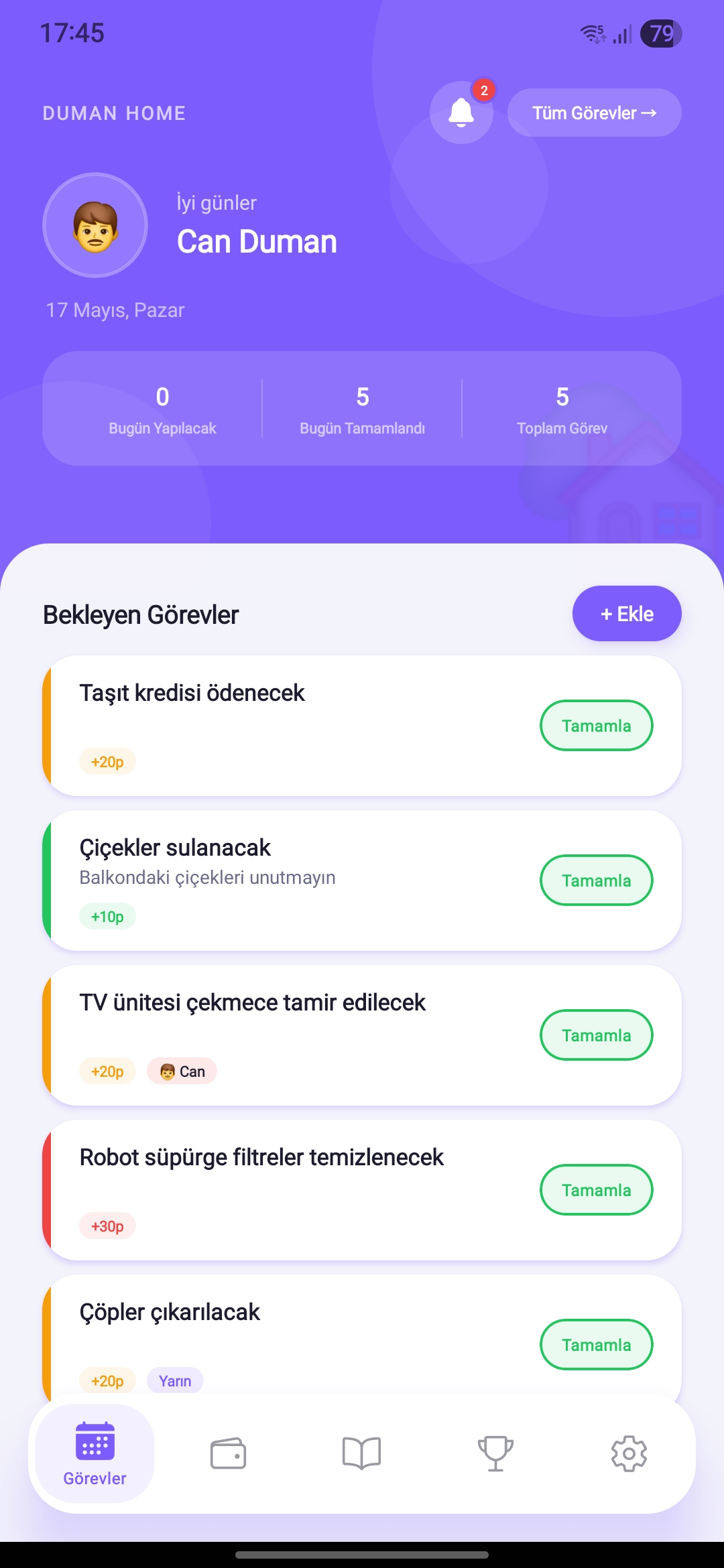
Household Tasks — Fair and Visible
Create tasks, assign to family members, track completion. Make responsibility sharing fun with the scoring system.
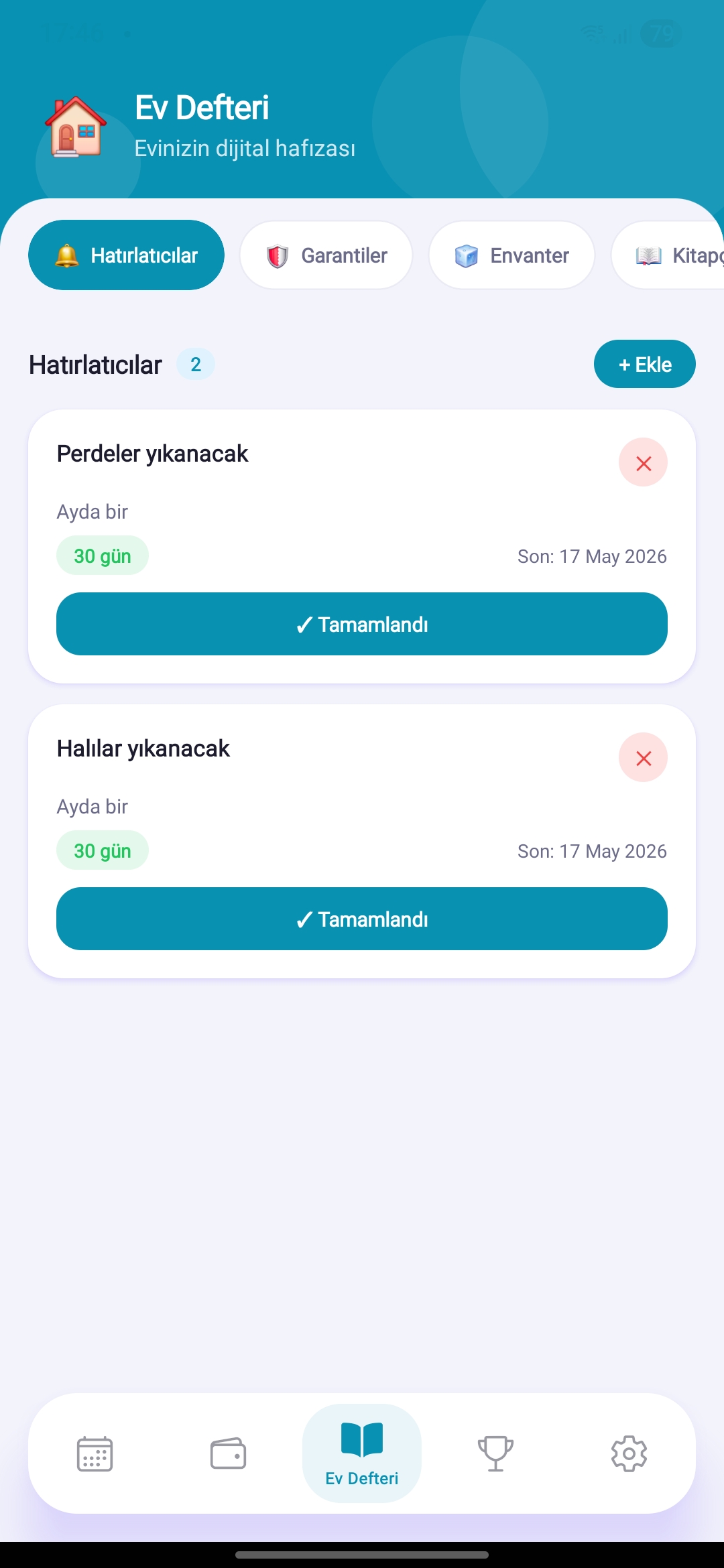
Everything About Your Home, On Record
From vehicle maintenance to warranty tracking, home inventory to notes — store all home info digitally. Get automatic alerts as deadlines approach.
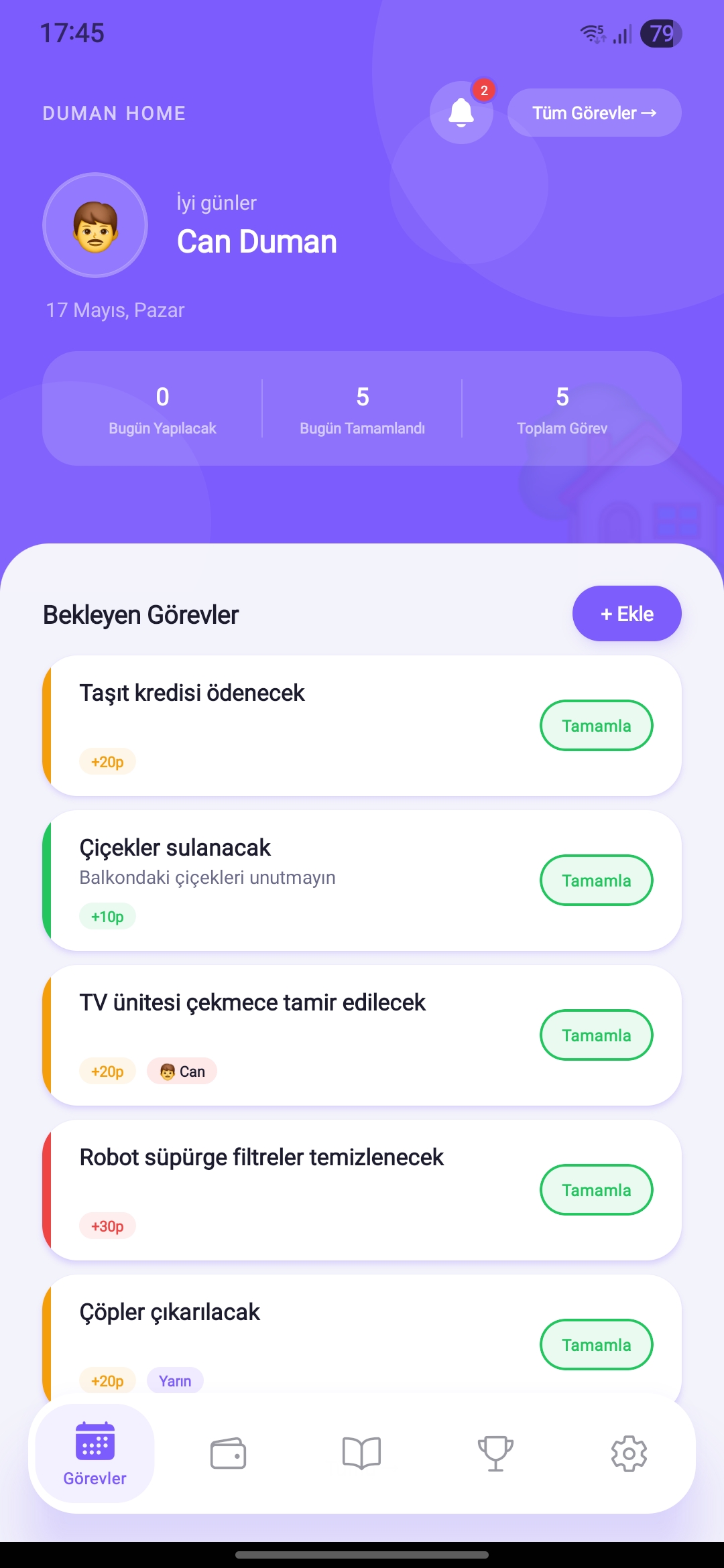
Make Contributions Visible, Competition Fun
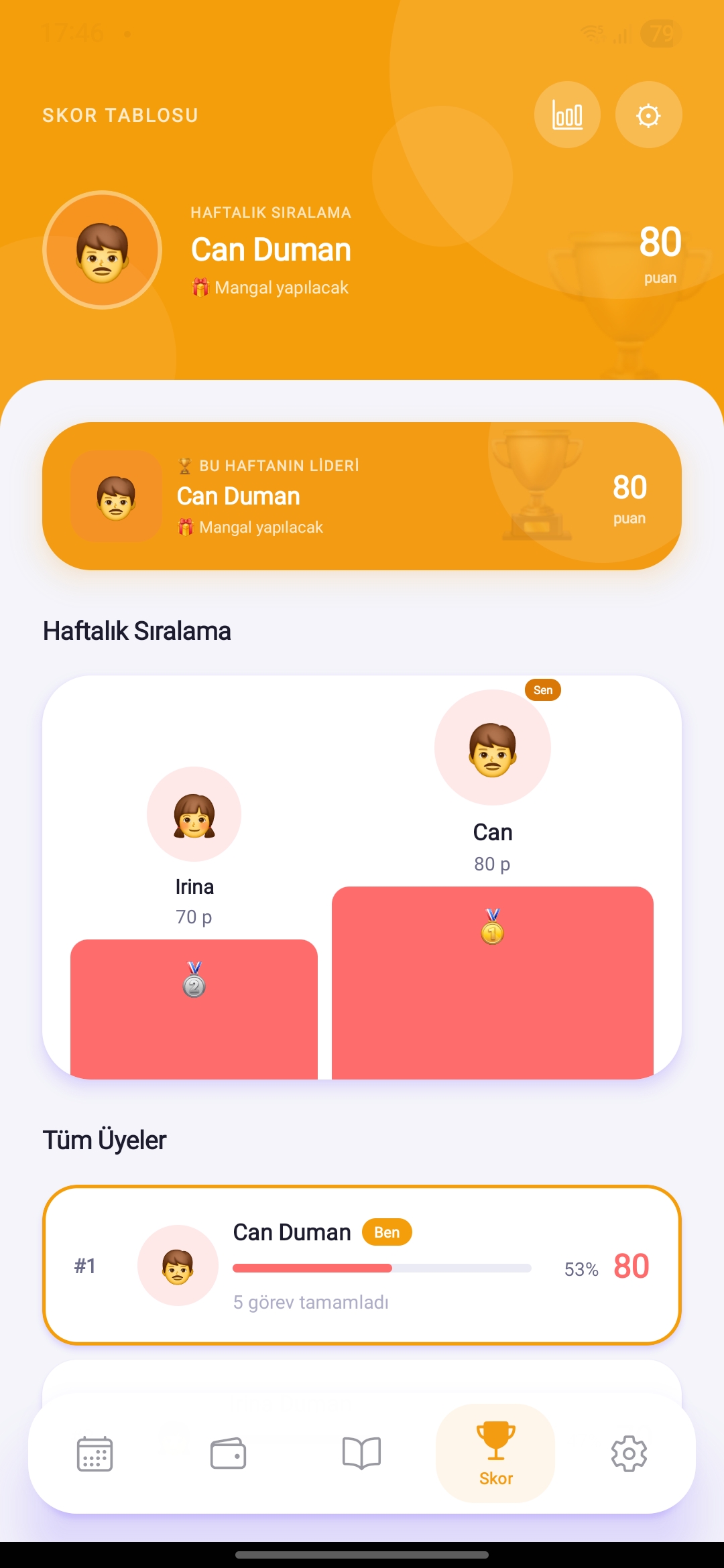
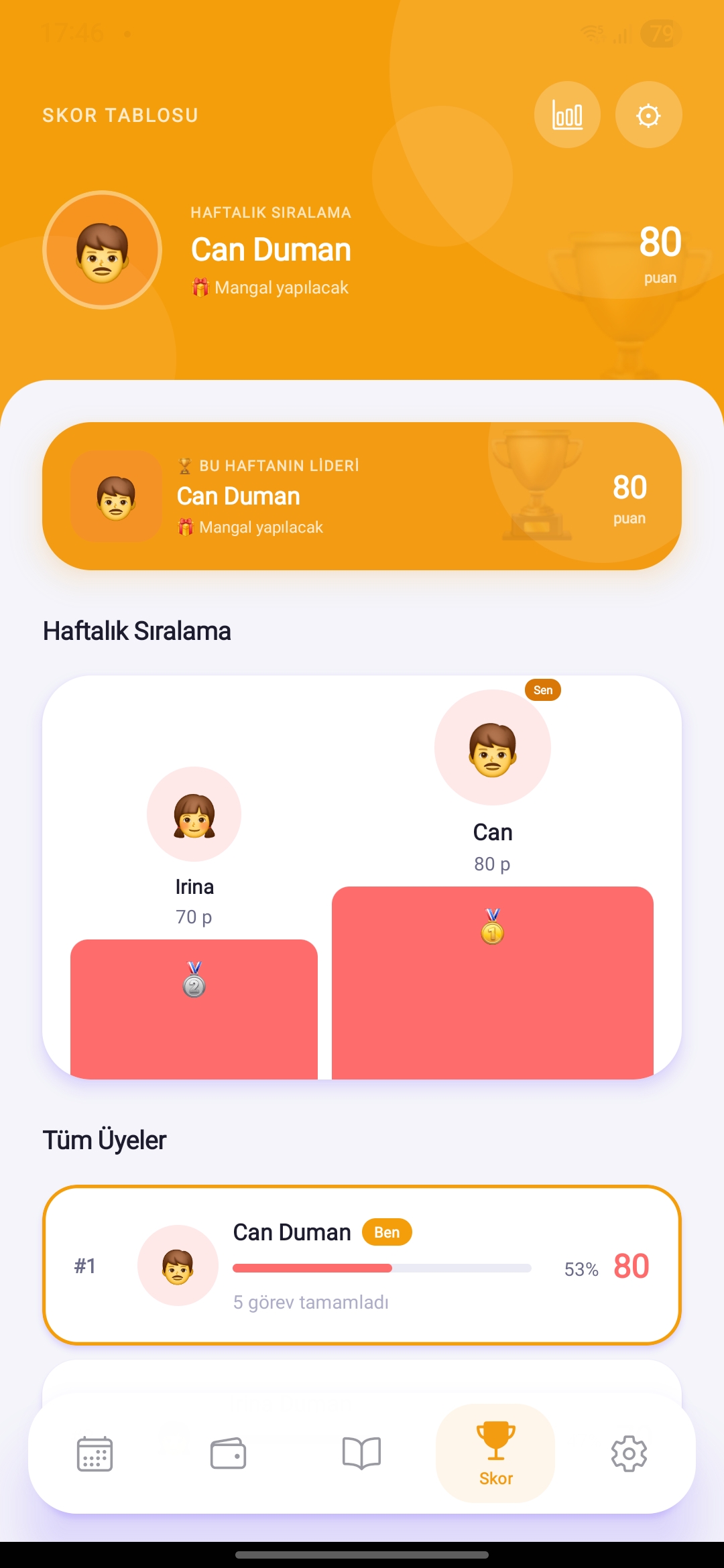
Invite household members and rank on the weekly leaderboard. Who contributes how much — let everyone see and stay motivated.
Make Smarter Decisions with Data
Discover spending habits with weekly summaries and financial charts. See clearly where and how much you're spending.
Comprehensive User Manual
Explore the step-by-step guide for every feature. Budget to shopping, meal planning to reports — all in one page.
Open Manual →Every Dimension of Home Management
HomBoo covers all home life needs — from budget to tasks, shopping to meal planning.
Budget Tracking
Income, fixed costs, daily spending and installments in one view. Real-time balance, category limit alerts.
Task Management
Assign, track, score.
Home Ledger
Vehicle, warranty, inventory.
Savings
Set goals, track progress.
Shopping List
Create shared lists, check items off, never miss anything.
Meal Planner
Weekly plan + recipe library.
Reports & Analytics
Weekly summaries and trend analysis.
Notifications
Instant reminders.
Members & Leaderboard
Manage household members, follow weekly rankings.
Payment Calendar
Track upcoming payments.
4 Things That Make It Different
One App, Everything
Budget, tasks, ledger, shopping, meal planning and reports — all in one platform, not scattered.
Real Shared Responsibility
Everyone sees their tasks and tracks contributions. Leaderboard strengthens accountability.
Clear & Meaningful Reports
Not raw data but meaningful insights. Easily read your spending trends and task performance.
Smart Reminders
Get instant alerts when budget limits are exceeded, tasks are overdue, or payments are approaching.
What Do You Unlock with Premium?
Core features are free — upgrade to premium for powerful analytics and unlimited records.
Unlimited income-expense records
Free: 100 records · Premium: UnlimitedDetailed financial reports
Trend analysis and chart viewExport reports
PDF and sharing supportAd-free experience
Uninterrupted, clean interfaceCore budget & task tracking
Available for freeShopping list, home ledger
Available for freeDownload Now
Subscription plans shown up-to-date inside the app.