Join with a code or QR
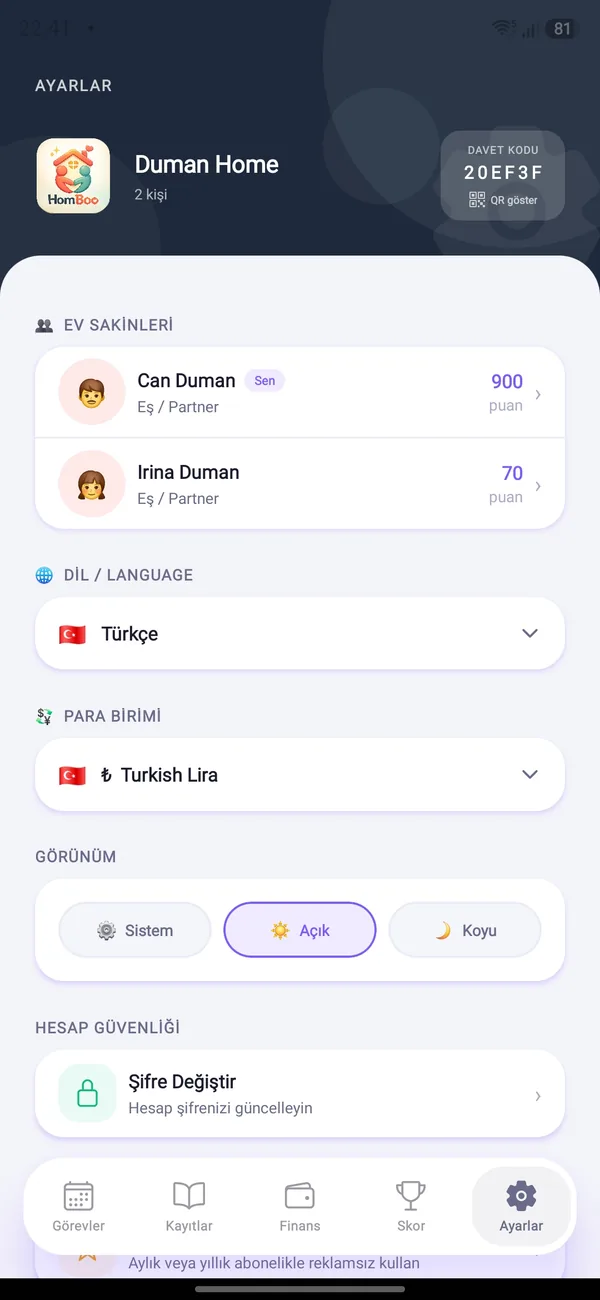
Every household has an invite code and QR. A new member types the code or scans the QR and gets access right away.
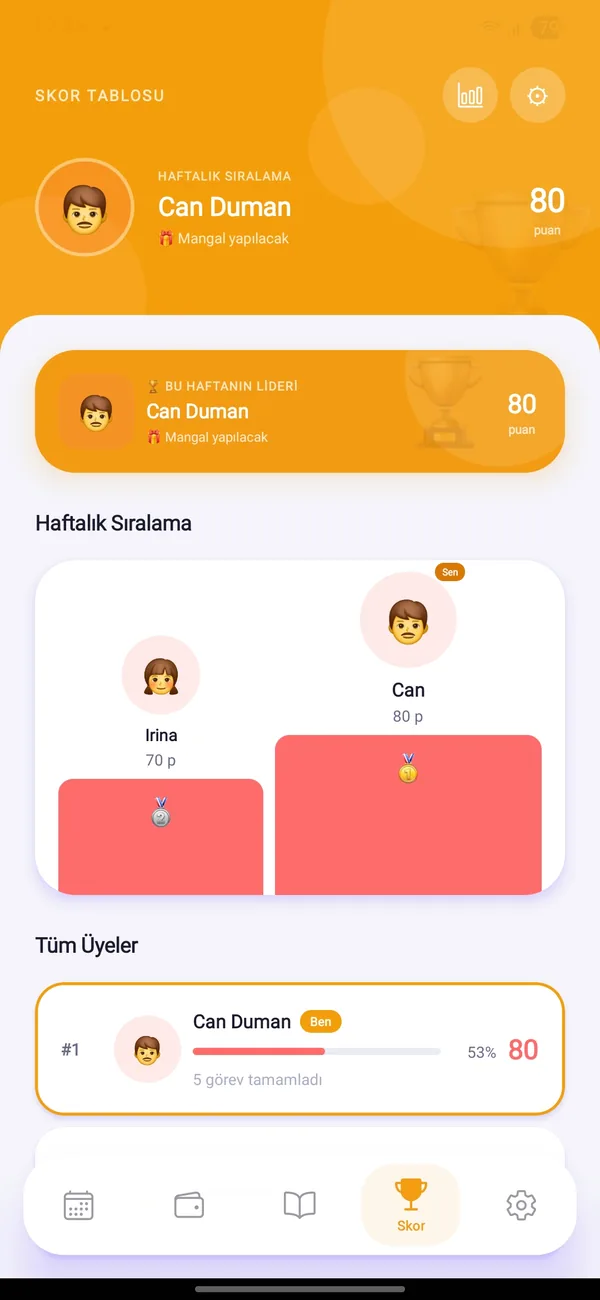
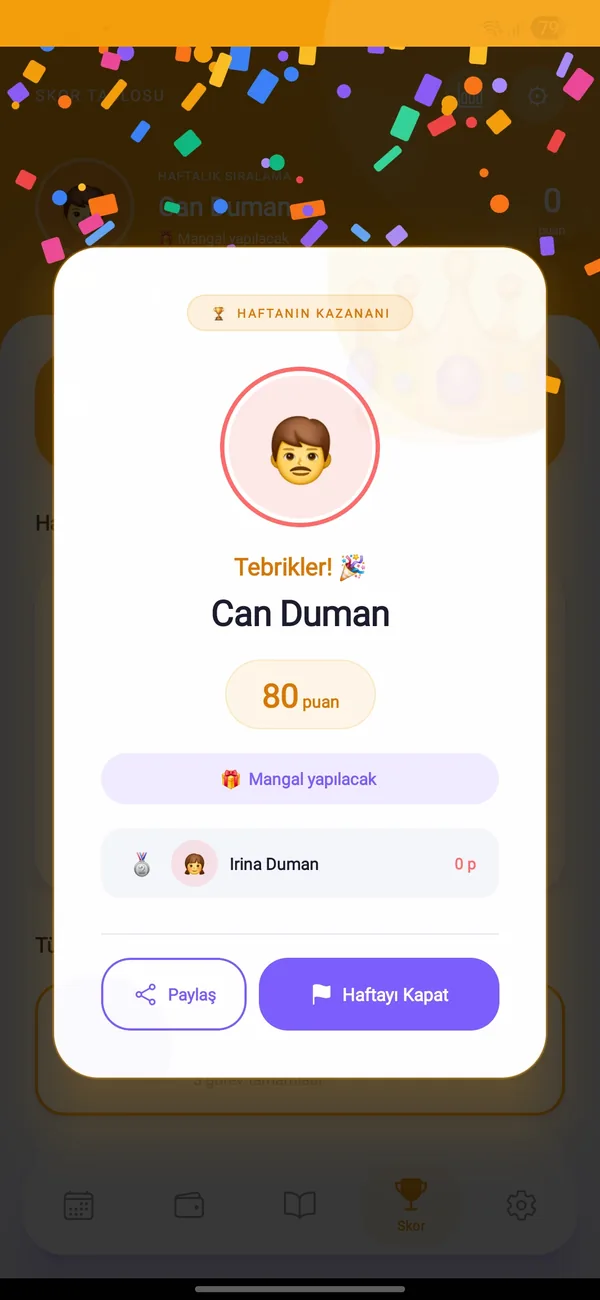
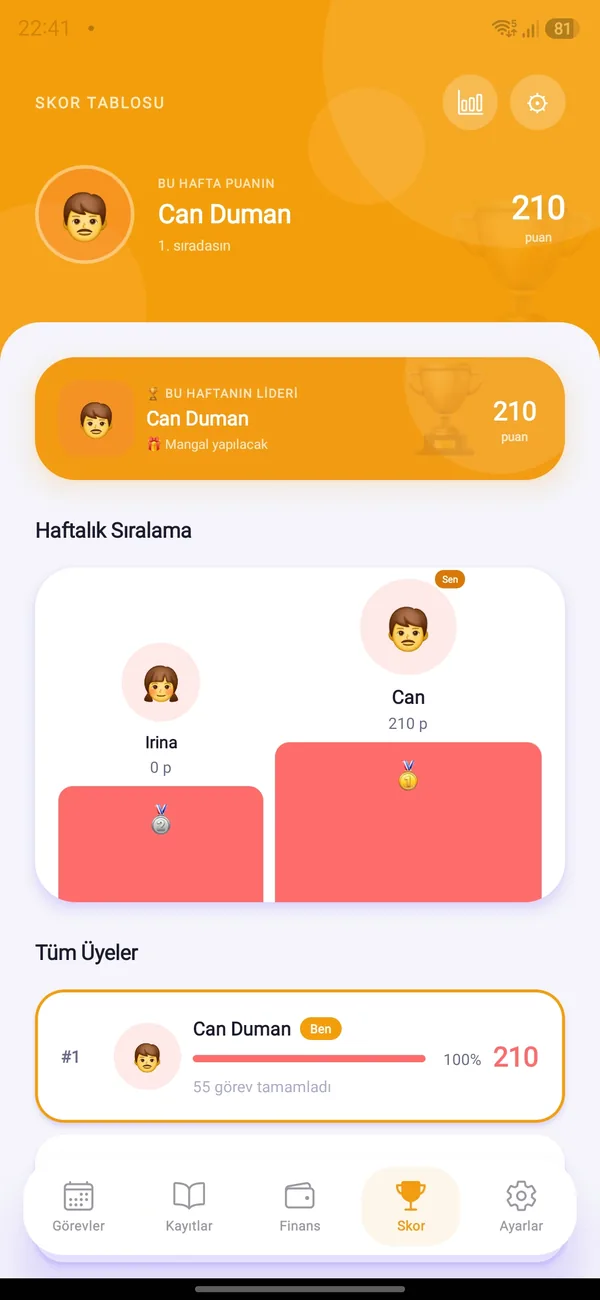
Invite your partner, kids or housemates. A weekly ranking, a weekly prize and a winner celebration keep everyone motivated.


Every household has an invite code and QR. A new member types the code or scans the QR and gets access right away.
Give every member a name, emoji, color and role (partner, child, sibling, parent…).
Points from completed tasks add up on the weekly leaderboard; the leader shines at the top.
Set the weekly prize and personal rewards yourself: pizza night? first pick of the movie?
When the week closes the home hero is announced with confetti and the household gets a notification.
Choose which day the week ends; points reset on that day.

Free on Android and iOS. Start together with your household.