Your home’s routine, budget and everyone’s share in one app.
Share tasks, track expenses and installments, never lose a warranty or miss a car service. HomBoo keeps home life organized and fun.


- Free to start
- Android & iOS
- Türkçe & English
A place for every part of home life
Six main areas, one app. Pick one to see the details.
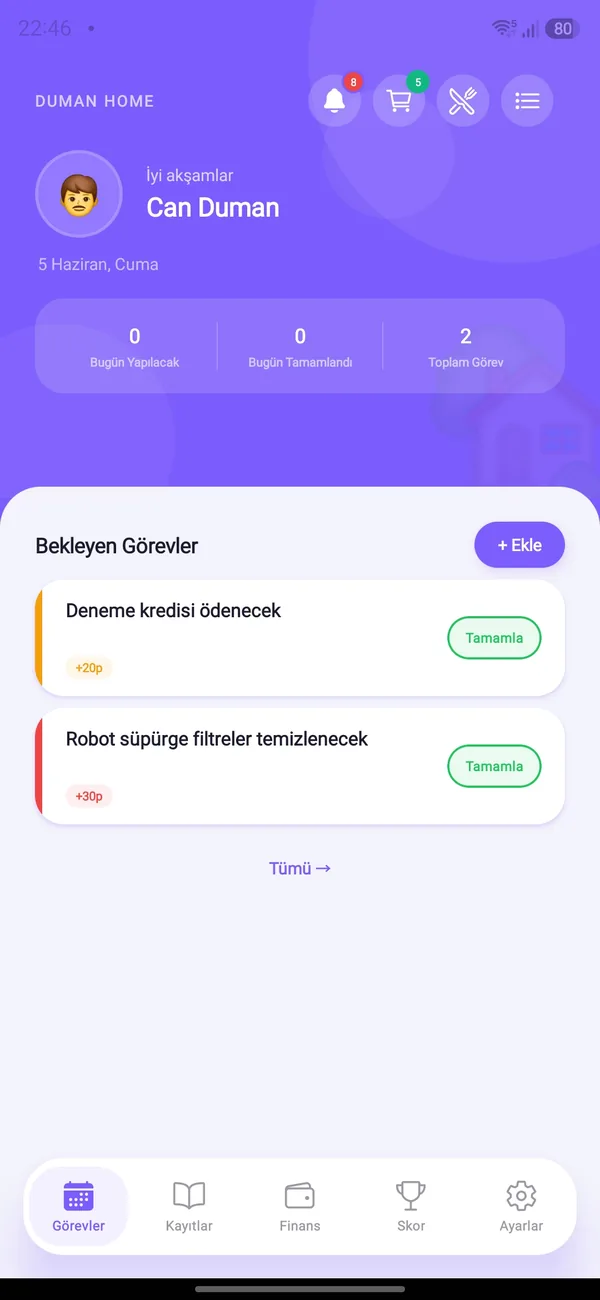
Tasks & Points
Create tasks, assign them and score by difficulty. Repeating chores recreate themselves.
Learn more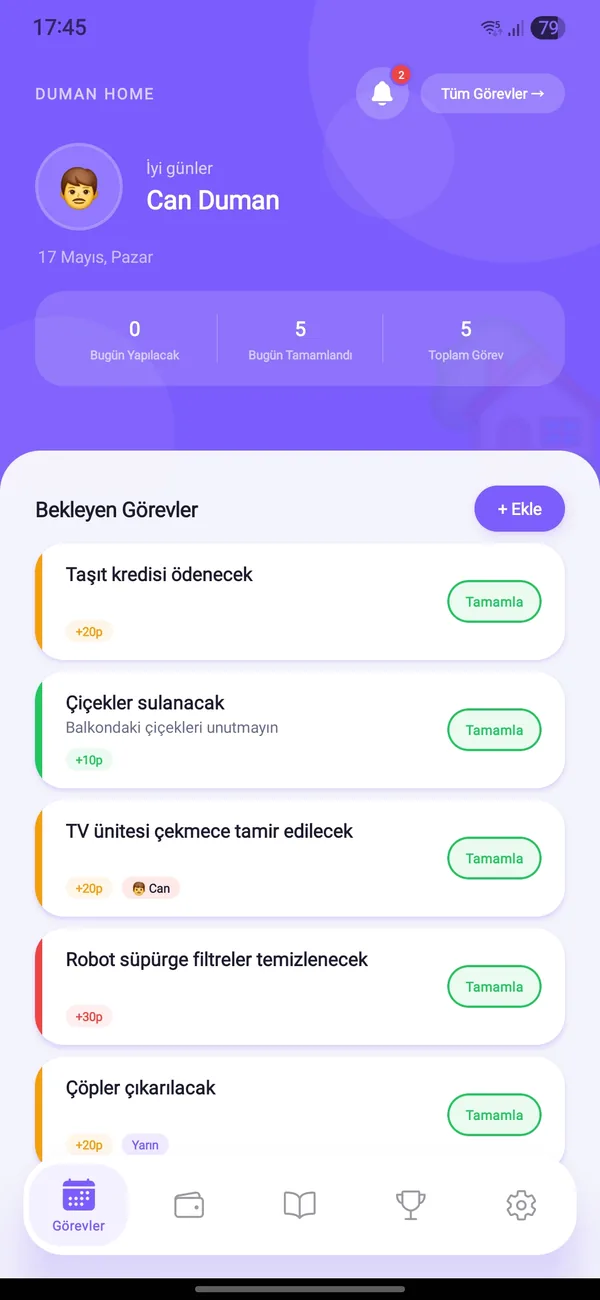
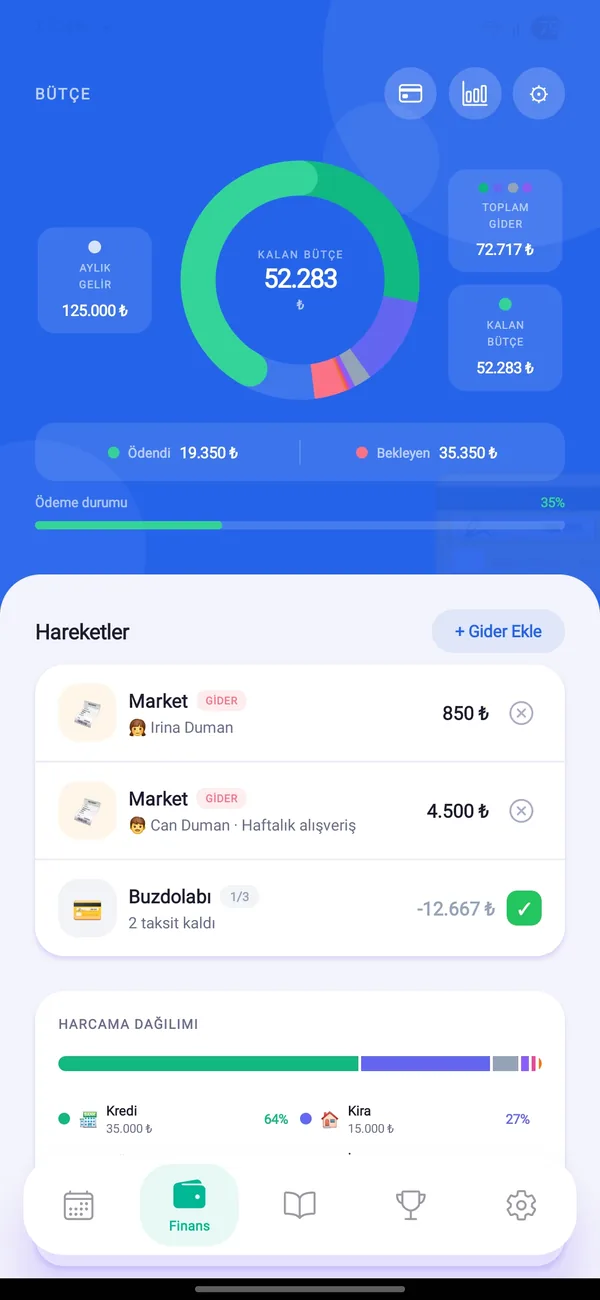
Budget & Finance
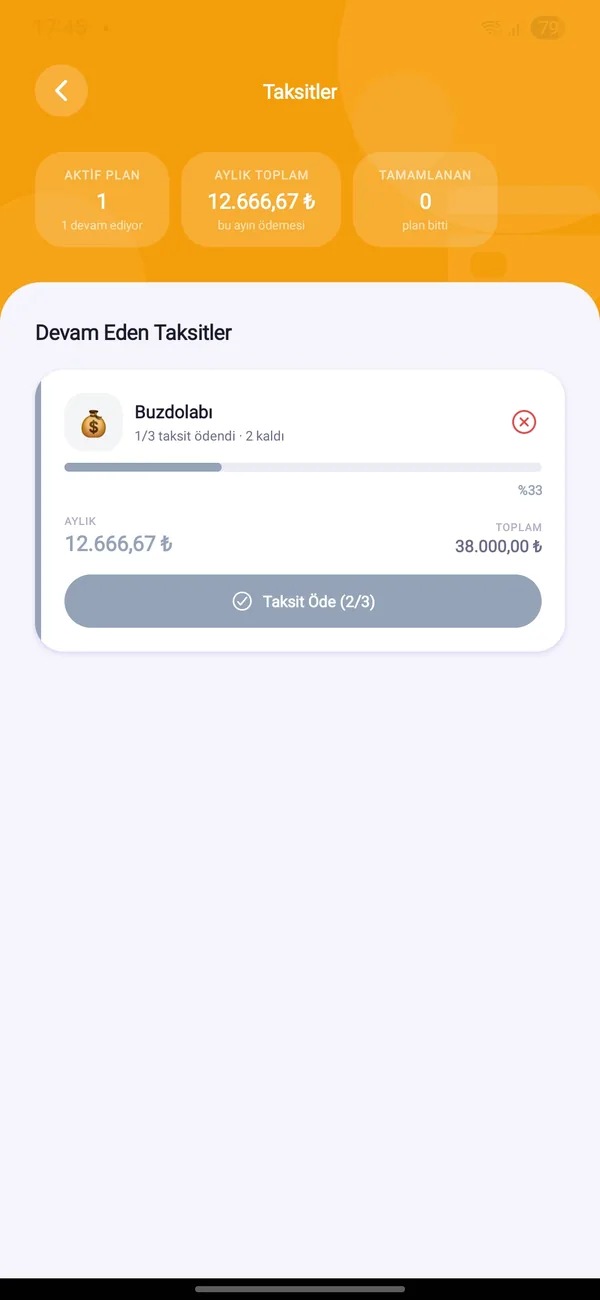
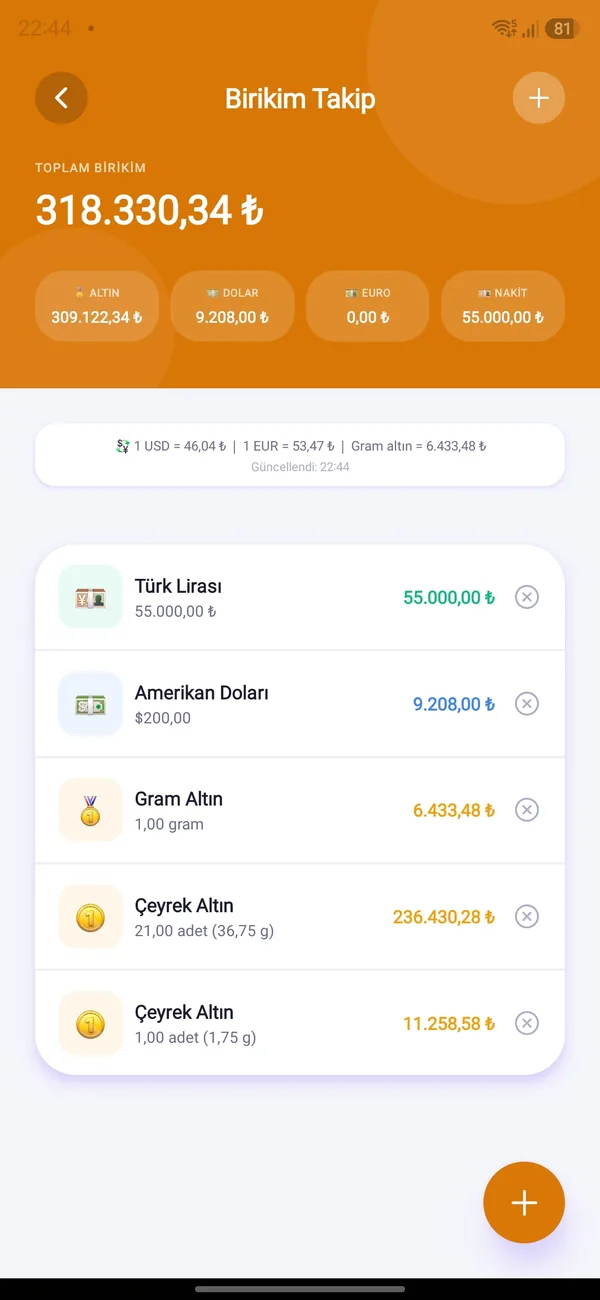
Income, expenses, installments, savings and debts. The end-of-month balance is no longer a surprise.
Learn moreHome Hub
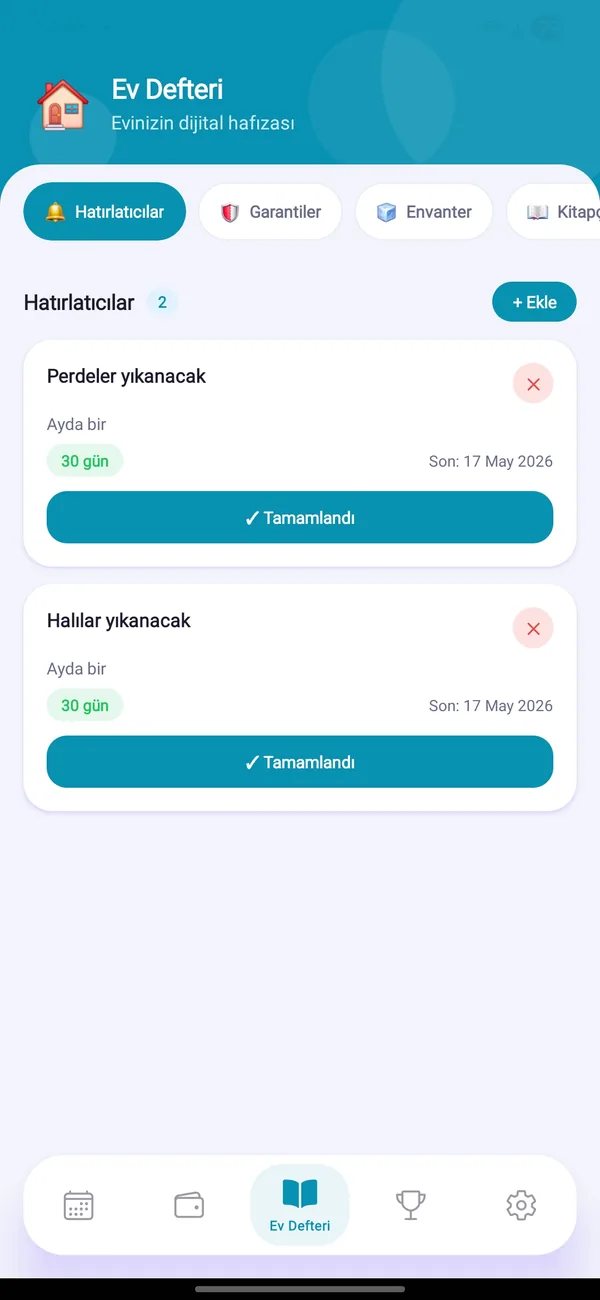
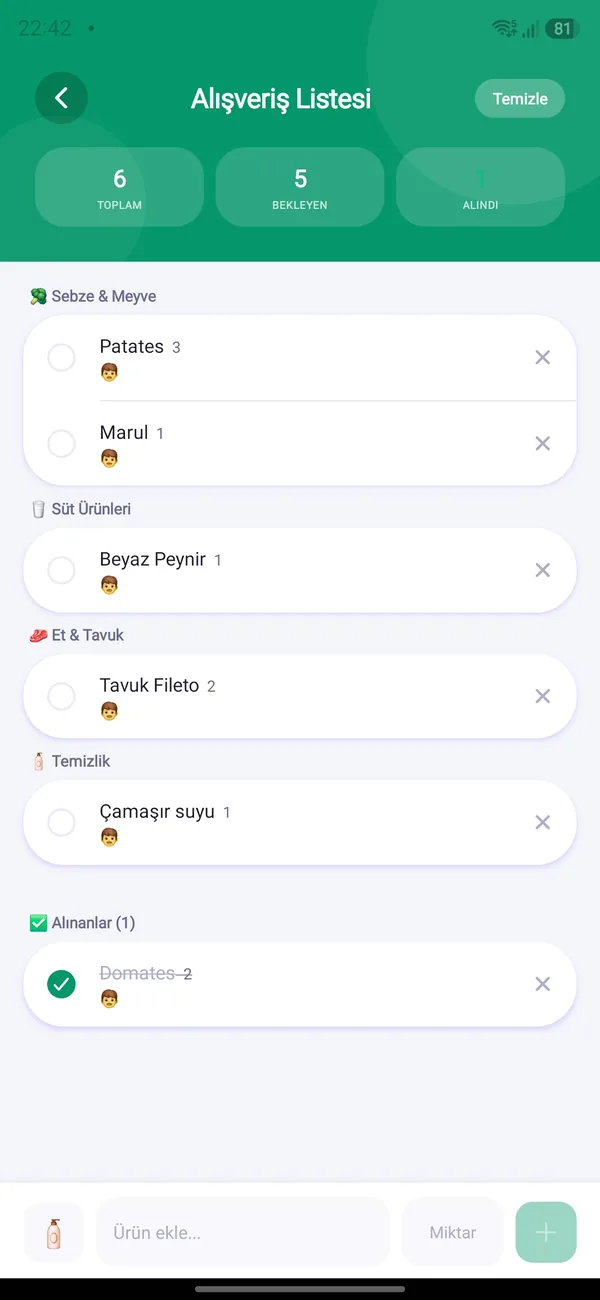
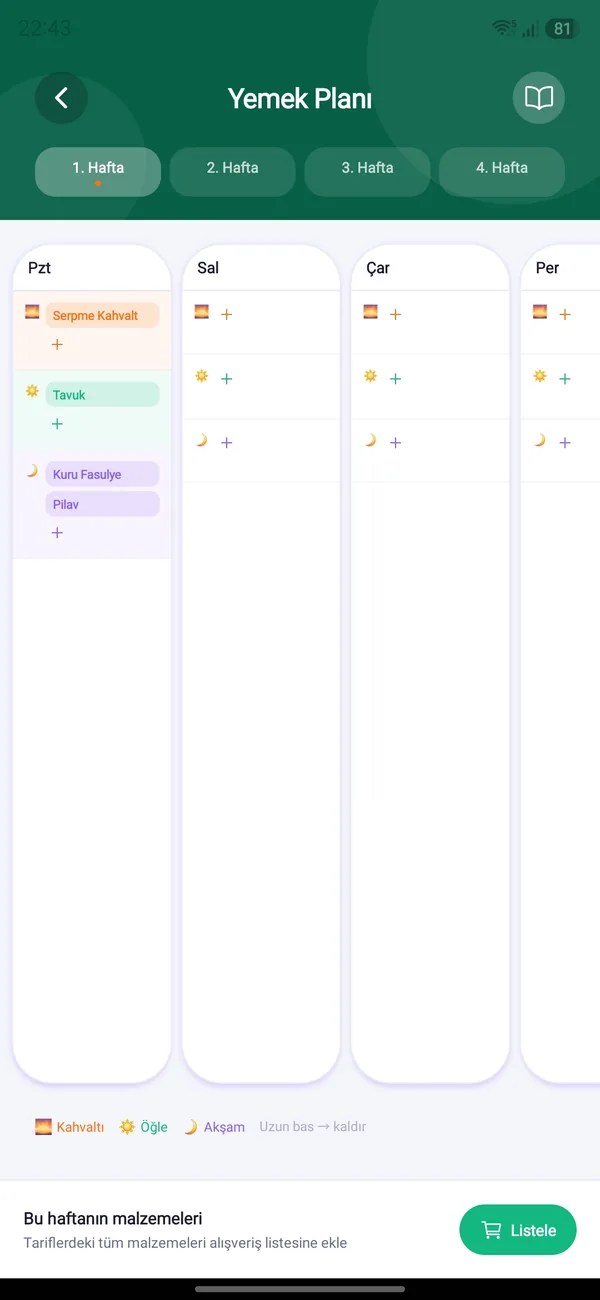
Warranty papers, car maintenance, pantry, notes, shopping list and meal plan.
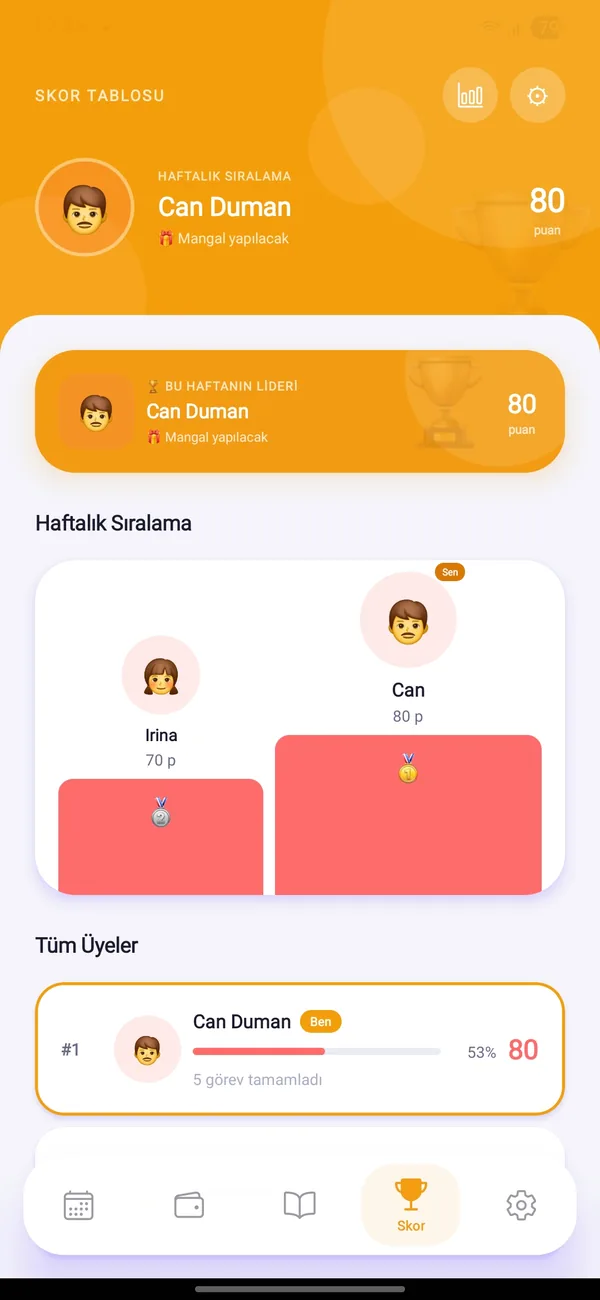
Learn moreMembers & Score
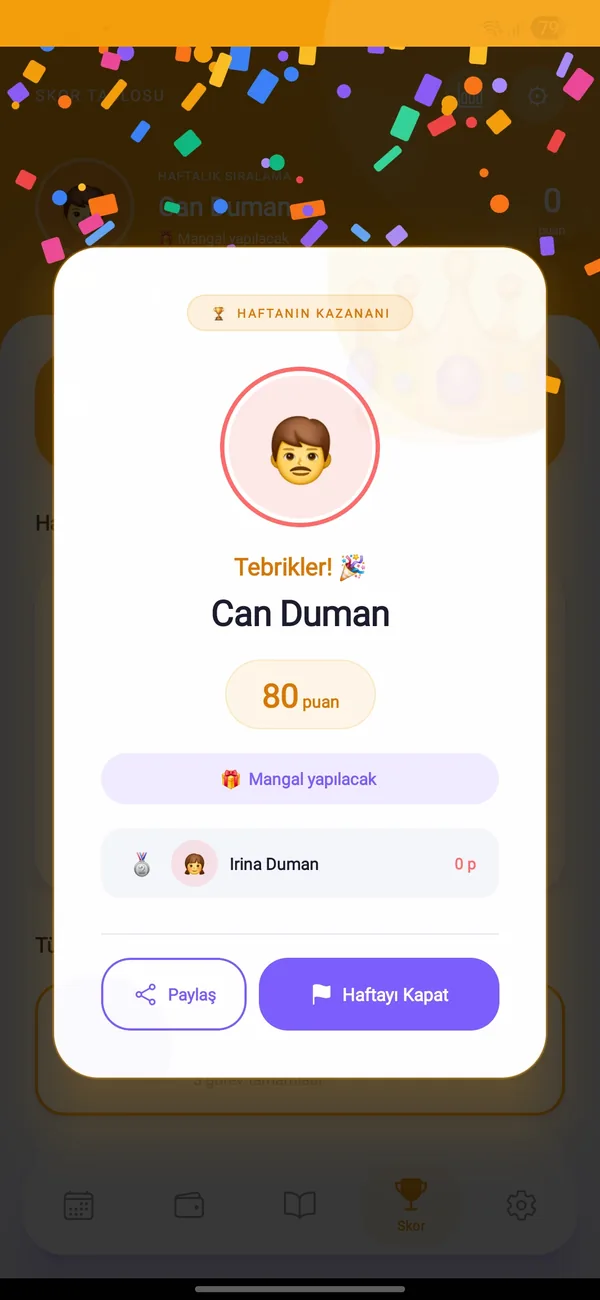
Add everyone with an invite code or QR. Weekly ranking, prize and a winner celebration.
Learn moreReports
See where money goes with the monthly report, contribution by person and the payment calendar.
Learn moreReminders
Reminders for payments, tasks, debts, vehicles and warranties — at a time you choose.
Learn moreWhen chores become a game, everyone joins
Who did what, who is ahead? HomBoo makes effort visible, so nobody has to say “I always do it”.
- Points by difficultyEasy 10, medium 20, hard 30 points.
- Flexible repeatsDaily, every N days, weekly, monthly.
- Weekly prizeThe winner is announced with confetti.

No more end-of-month surprises
See income and expenses on one screen. Your fixed payments, installments and loans are always in plain view.
- Remaining budget at a glancePaid and pending shown in a chart.
- Scan a receipt, amount fills inThe photo is only read, never stored.
- Gold & currency savingsLira value at current rates.
You will never hunt for a warranty slip again
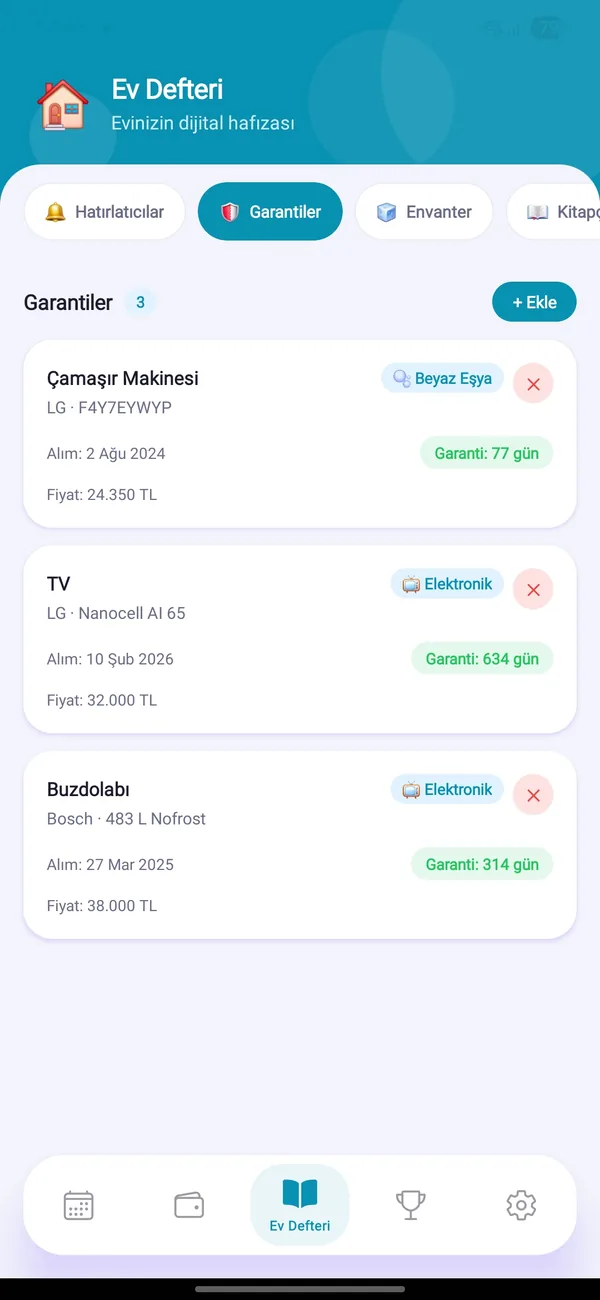
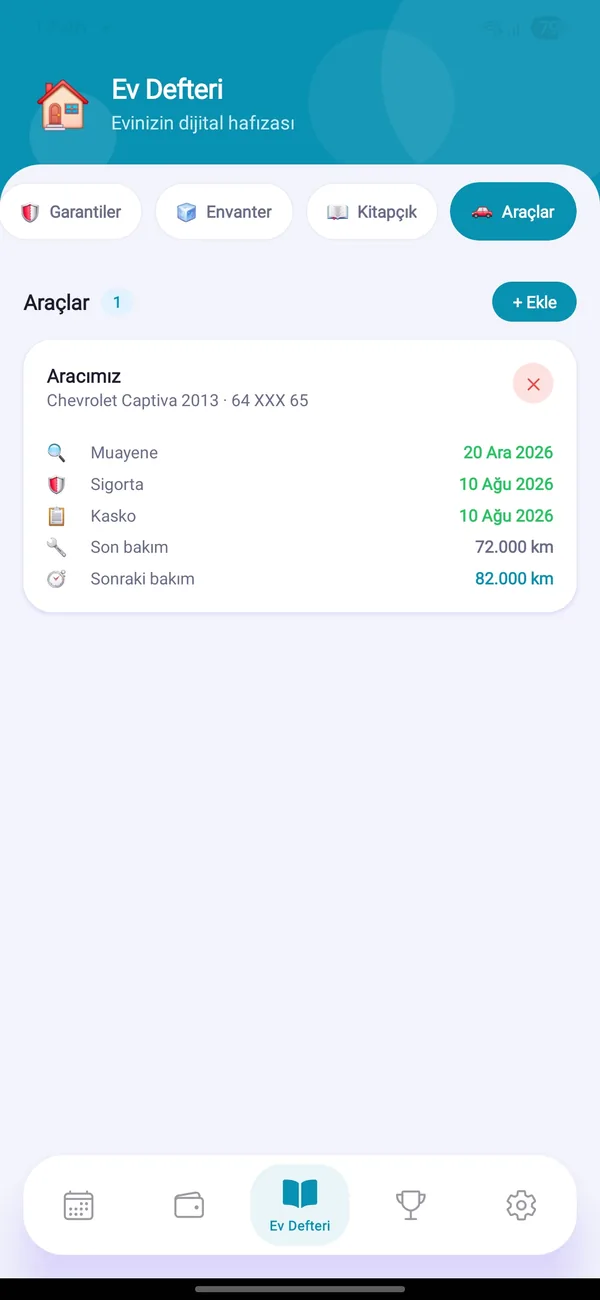
Appliance warranties, car inspections and servicing, pantry expiry dates and home notes — in the household’s shared memory.
- Warranty & document photosYou are reminded before it ends.
- Vehicle maintenanceOil, tires, timing belt, inspection, insurance.
- Shopping & meal planRecipe ingredients on the list with one tap.
Get started in three steps
Download & sign up
Create an account in seconds on Android or iOS with email, Google or Apple.
Set up and invite
Create your household and add your partner, kids or housemates with an invite code or QR.
Run it together
Tasks, budget and home records are shared. Everyone’s contribution is visible and points add up.
Scan with your phone


Take a look inside
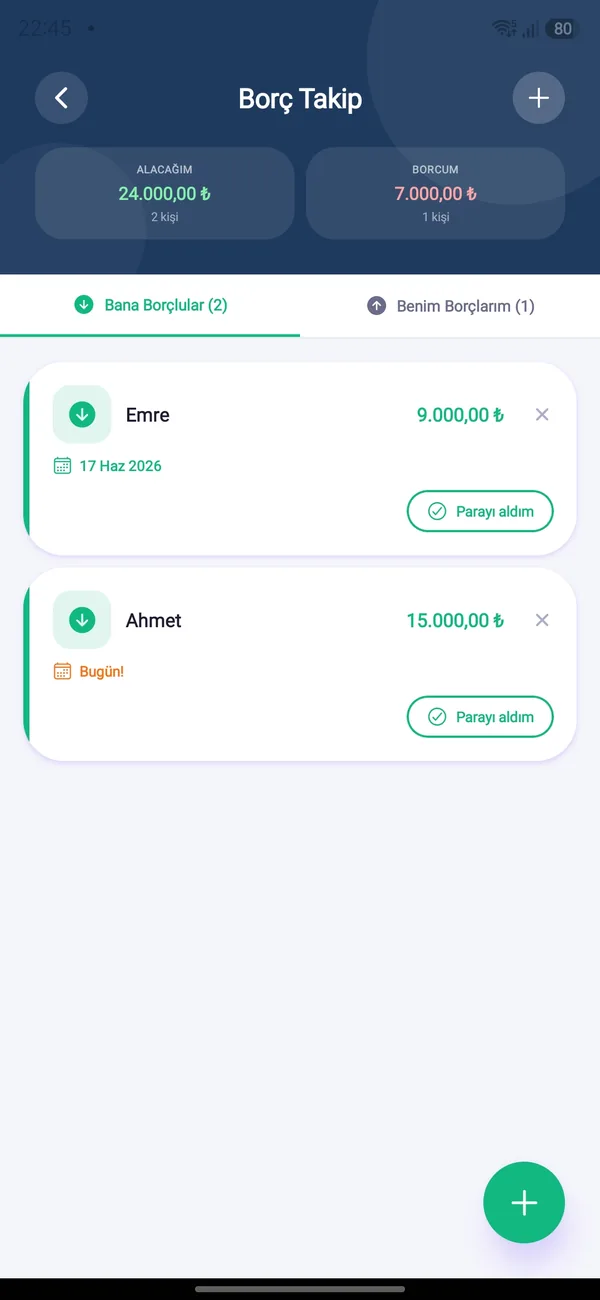
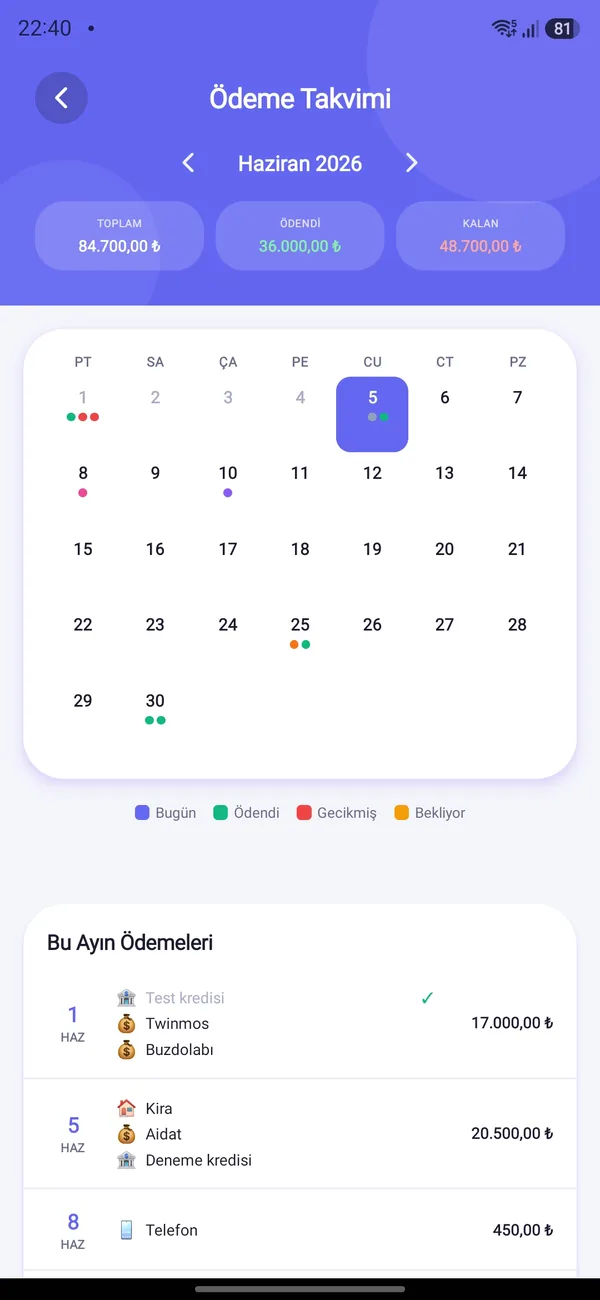
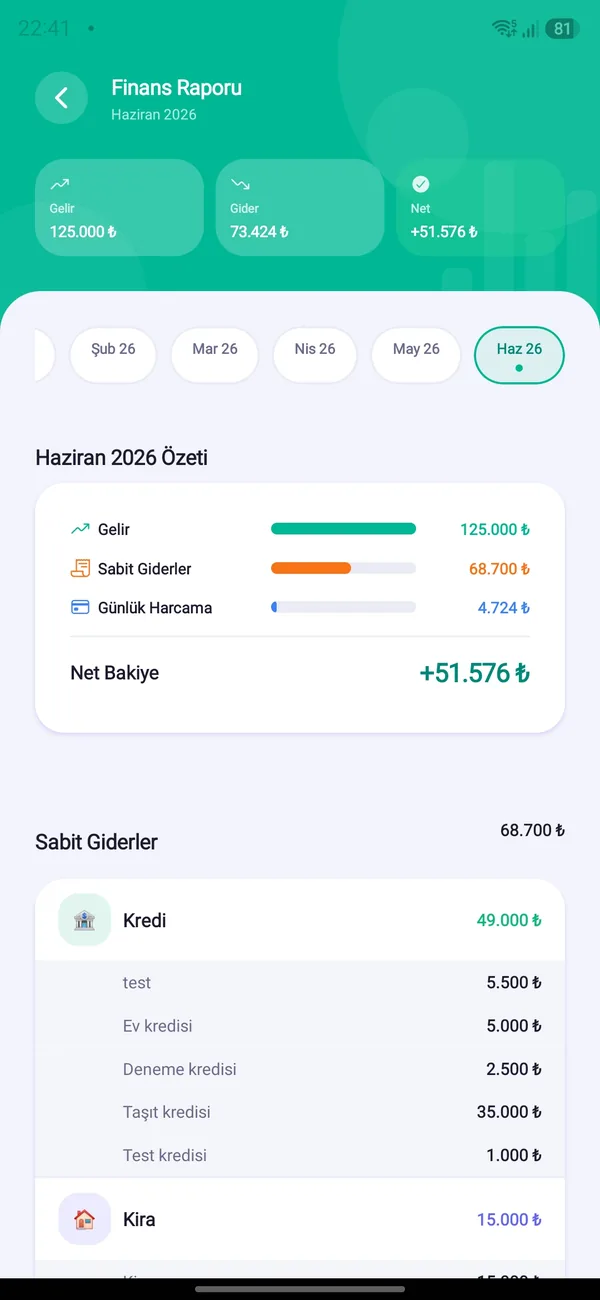
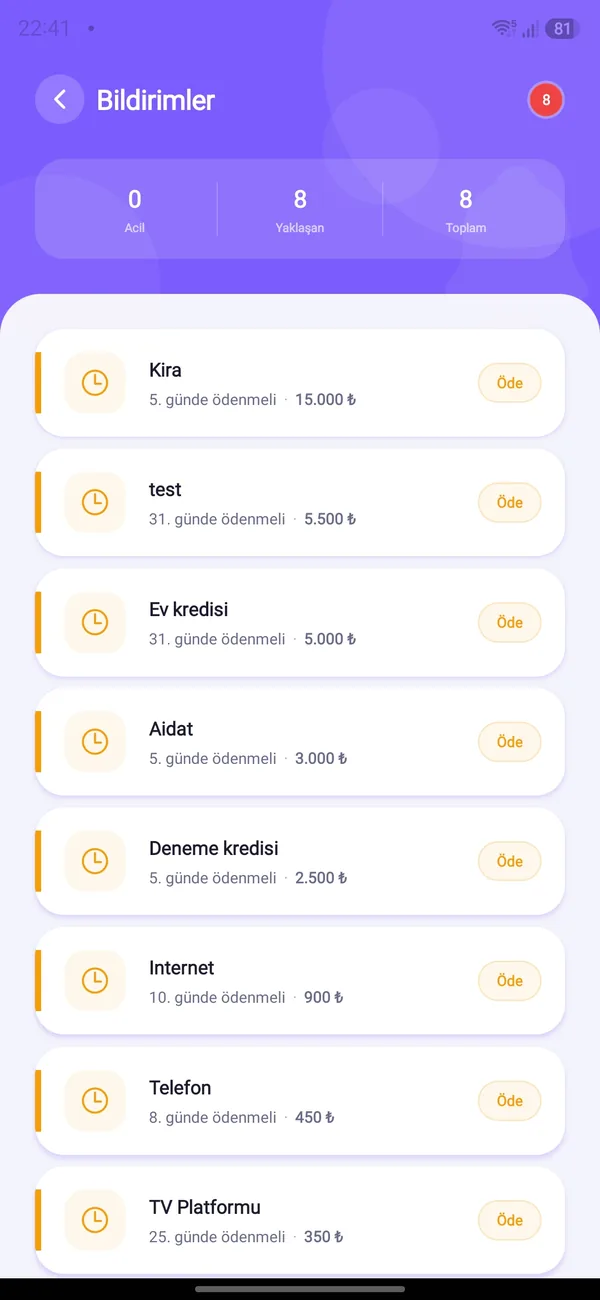
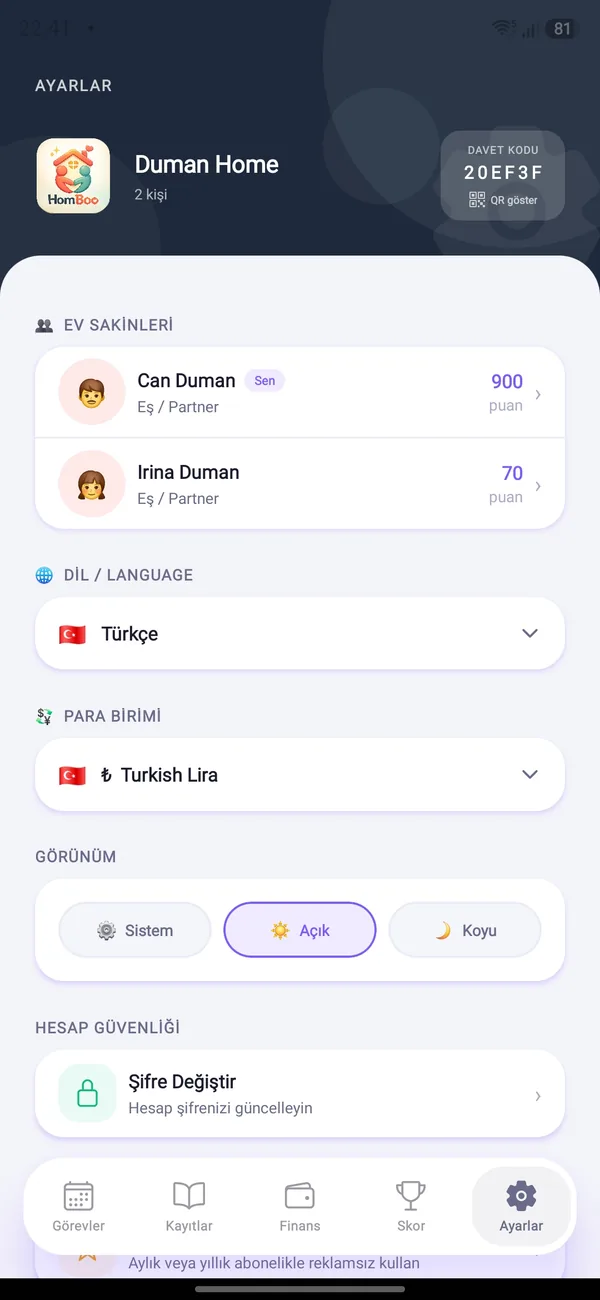
One household, everyone on the same page
Couples, families, housemates… everyone joins with their own profile; tasks, budget and home records are shared.
- Join with a code or QRA new member joins in seconds.
- Emoji, colors & rolesPartner, child, sibling, parent…
- Everyone in their own languageNotifications arrive in each member’s language.
Frequently asked questions
Is HomBoo free?
Yes. Tasks, budget, the Home Hub, the leaderboard and all core features are free. The free version shows ads; Premium removes them.
How do I invite my family or housemates?
At the top of the Settings tab you will find the household invite code and QR. A new member opens the app and enters the code or scans the QR, and gets access immediately.
Is my data safe?
Your data is stored on Supabase infrastructure and is only accessible to your household’s members. You control your ad and measurement preferences; details are in the Privacy Policy.
How does receipt scanning work?
You take a photo of the receipt; the amount and merchant are read and filled into the form. The photo is processed only for this reading and is not stored. You can correct the values before saving.
Which currencies are supported?
Turkish lira (₺), US dollar ($), euro (€) and pound (£). The Savings screen also tracks gold types at current rates.
Which languages does it support?
Turkish and English. You can change the language from Settings at any time; household members can each pick a different one.
How do I cancel Premium?
Subscriptions are managed through your App Store or Google Play account. In the app, “Manage Subscription” under Settings → Premium takes you to the right place.
How do I delete my account and data?
Use Settings → “Delete Account” to permanently remove your account and data. Details and the email option are on the Account Deletion Request page.

Get your home in order today
Download HomBoo, create your household and start running home life together.