Monthly finance report
Income, expenses and net balance, with the split between fixed and daily spending. Browse past months.
A monthly finance report, weekly summary and payment calendar: see what you earn, where it goes and who contributes how much.


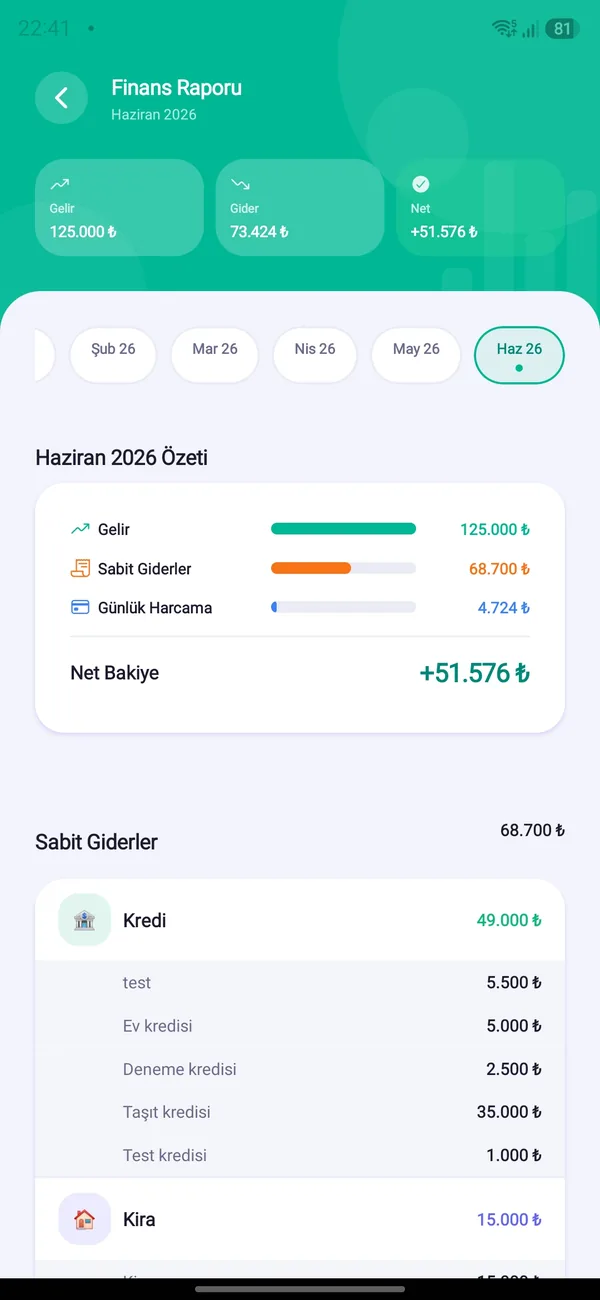

Income, expenses and net balance, with the split between fixed and daily spending. Browse past months.
Who spent how much and where income came from — clear and transparent.
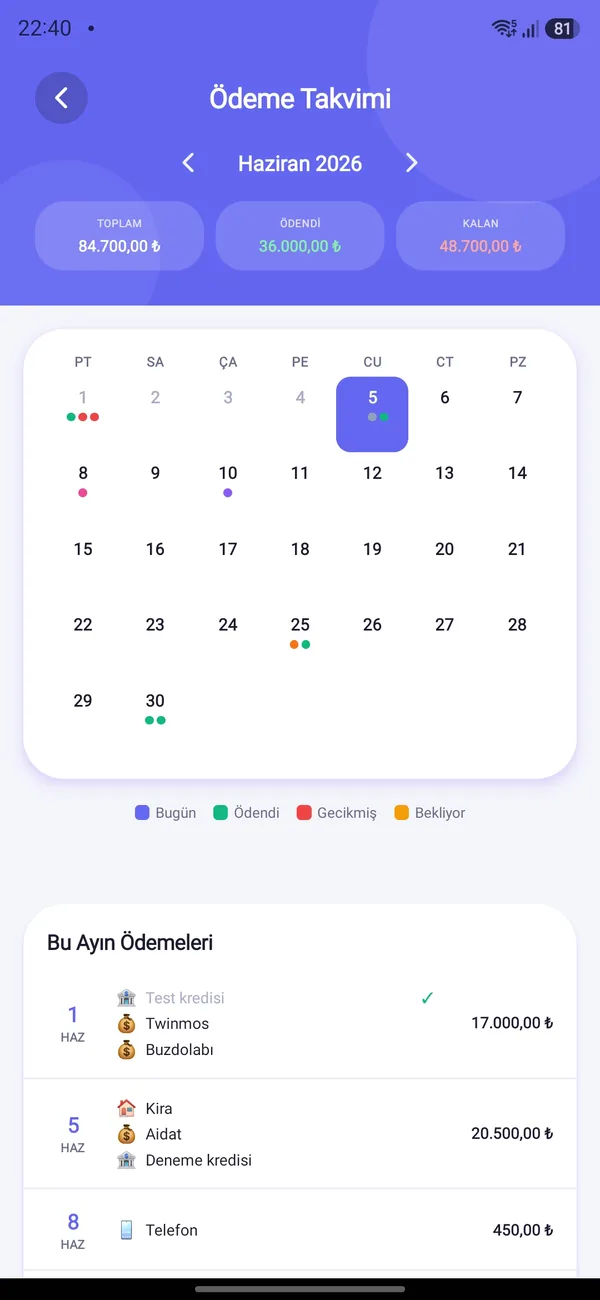
See which day of the month each fixed expense and installment falls on, and which are paid.
Short notes that highlight your spending habits and where you can ease your budget.
The week’s summary and weekly ranking on one screen.
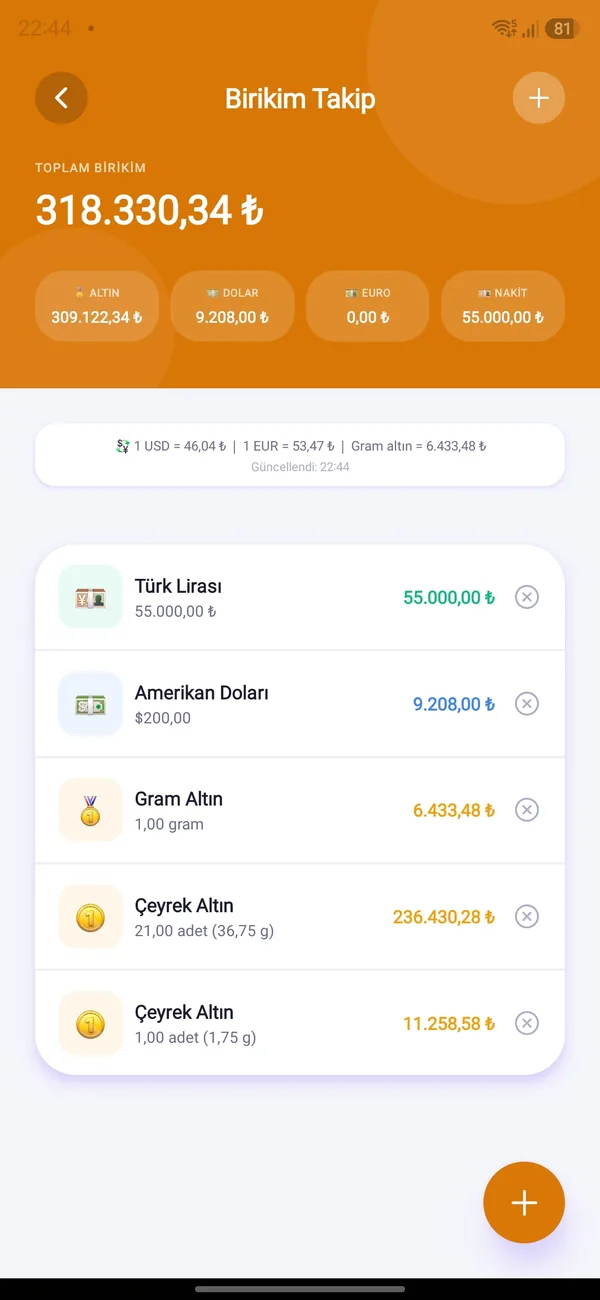
The current lira value of gold and currency savings, with the time the rates were updated.

Free on Android and iOS. Start together with your household.