1. Home
  2. Home Hub
Home Hub

Your home’s digital memory.

Warranties, vehicle maintenance, pantry and home notes, shopping list and meal plan — all shared with the household, all in your pocket.

Home Hub
Home Hub — second screen
What you can do

Highlights

Reminders

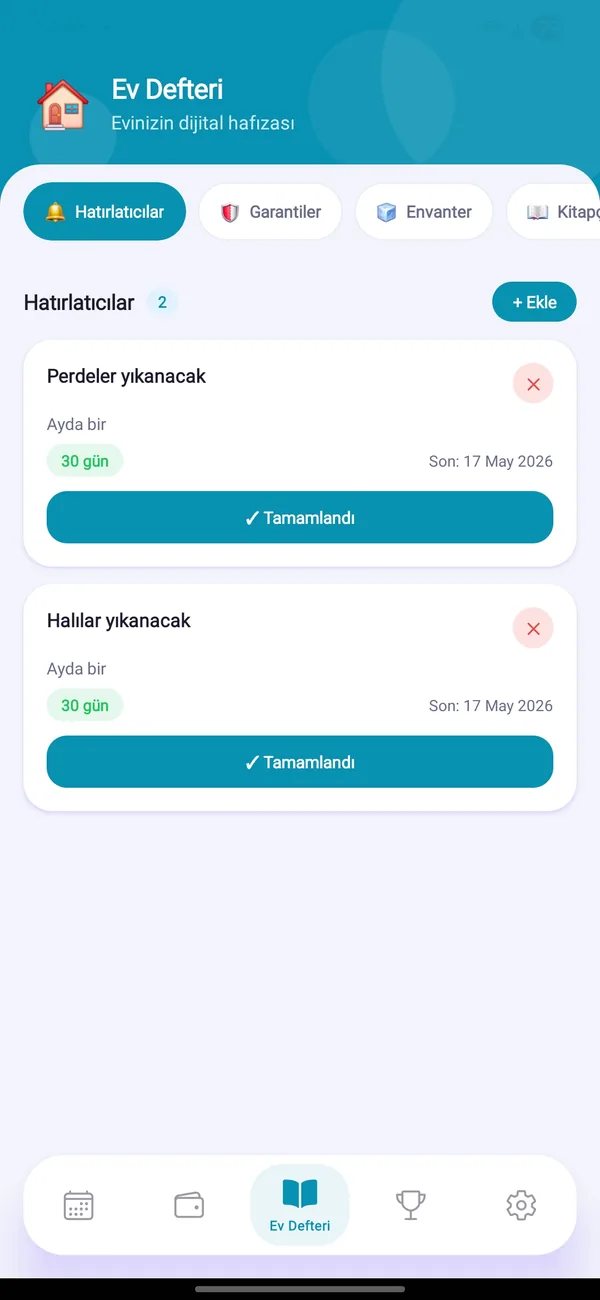
Set recurring chores like filter changes “every N days”; when due they show up as tasks.

Warranties

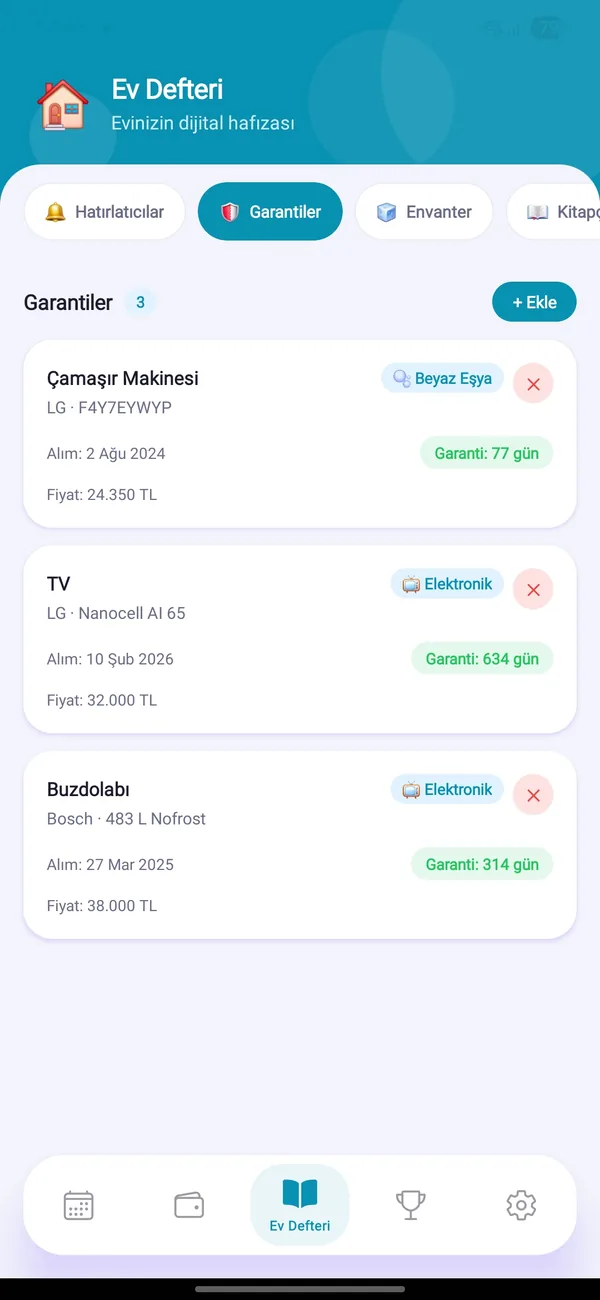
Brand, model, purchase date, price and warranty end for each appliance. Attach document photos and get told before it runs out.

Inventory

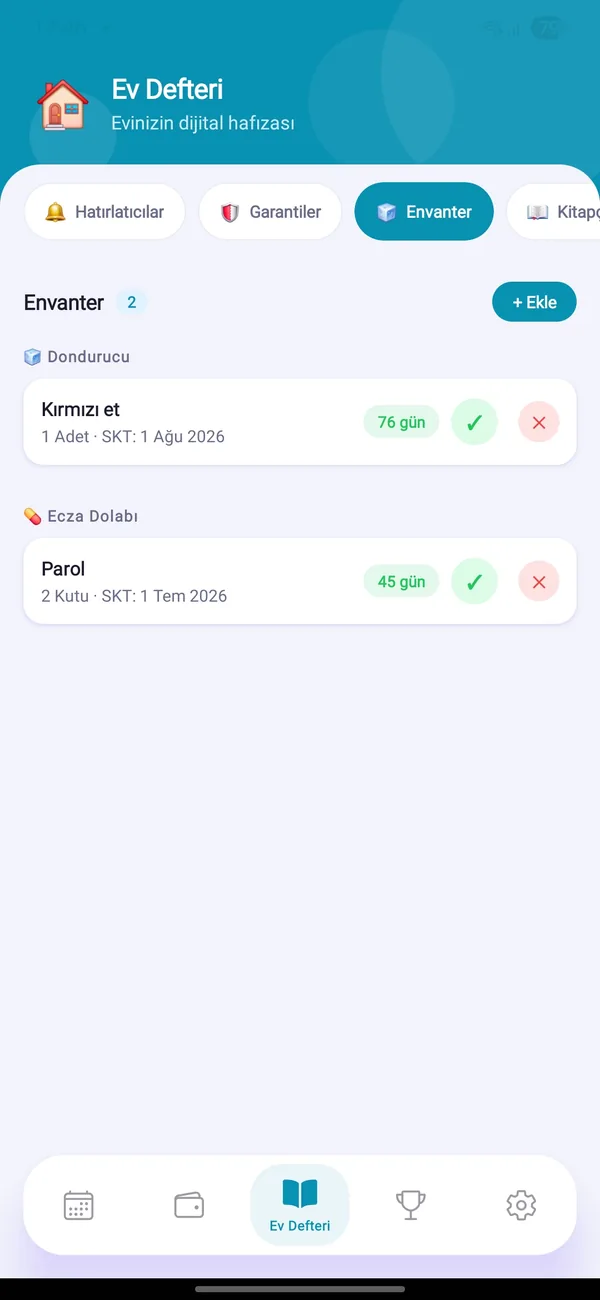
Track freezer, fridge, medicine cabinet and pantry items with their expiry dates.

Home notebook

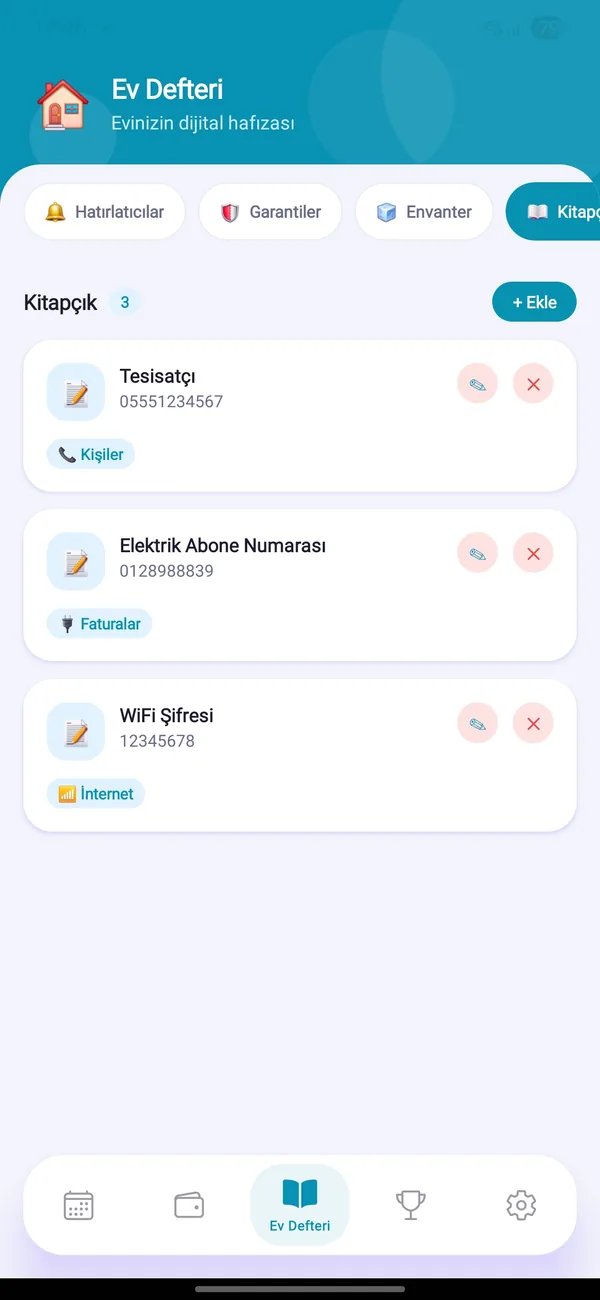
Wi-Fi password, emergency numbers, subscription numbers and codes in one tidy, categorized place.

Vehicles

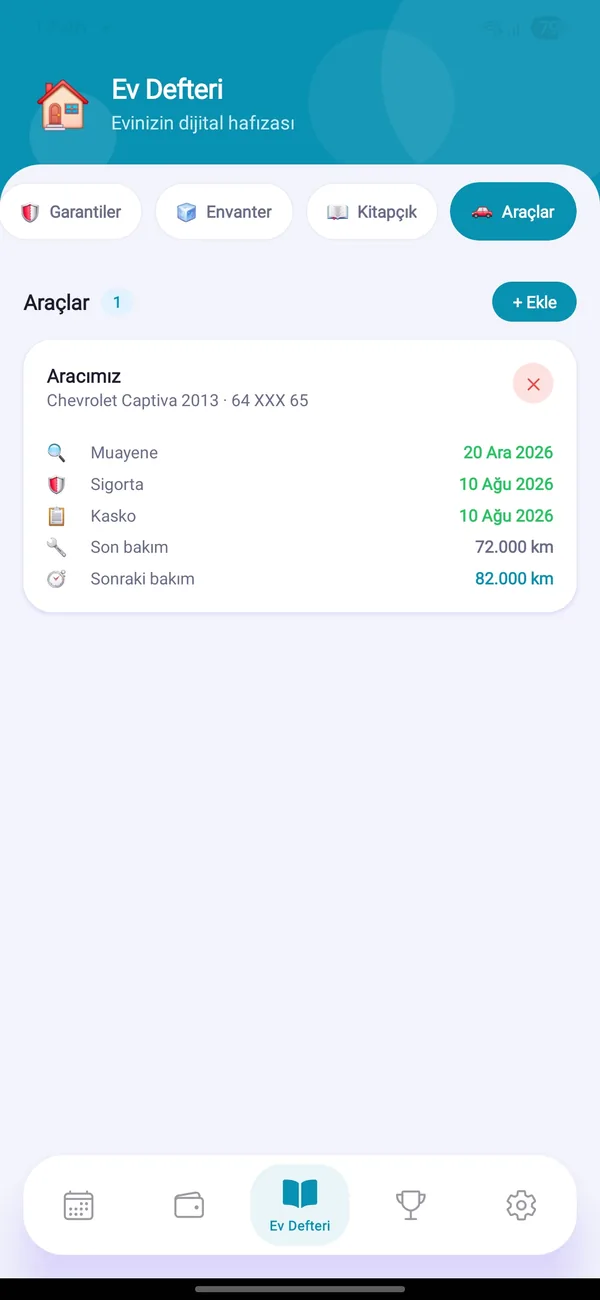
Inspection, insurance and comprehensive-cover dates; maintenance like oil, tires, timing belt, brakes, battery — plus service history.

Shopping & meal plan

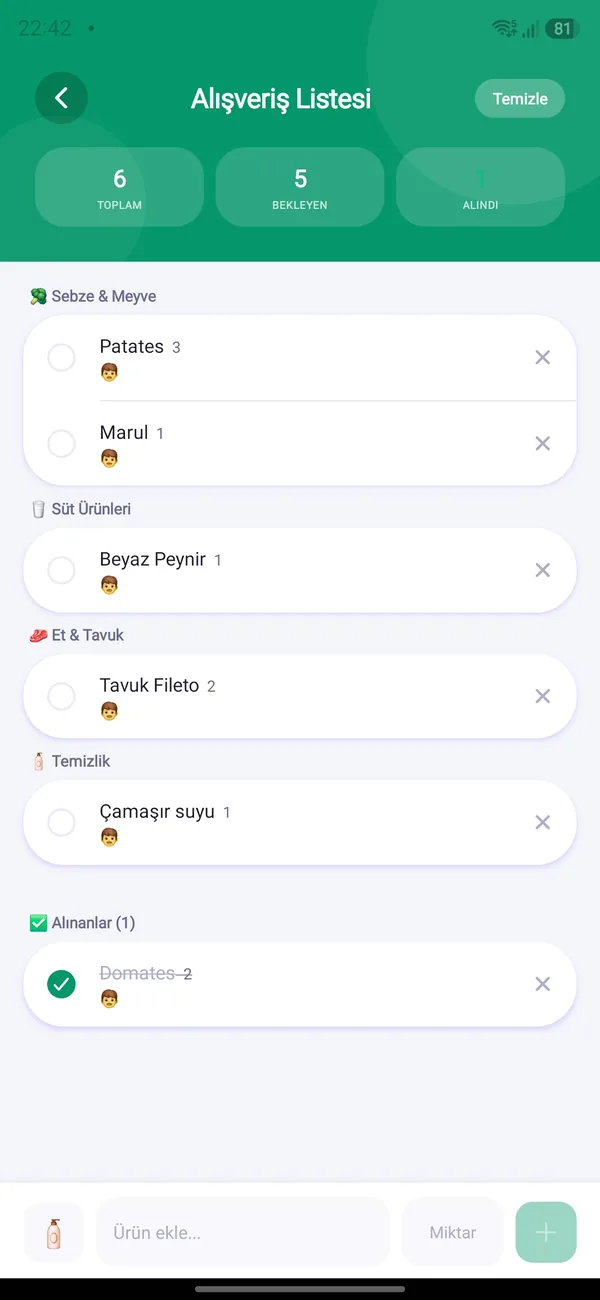
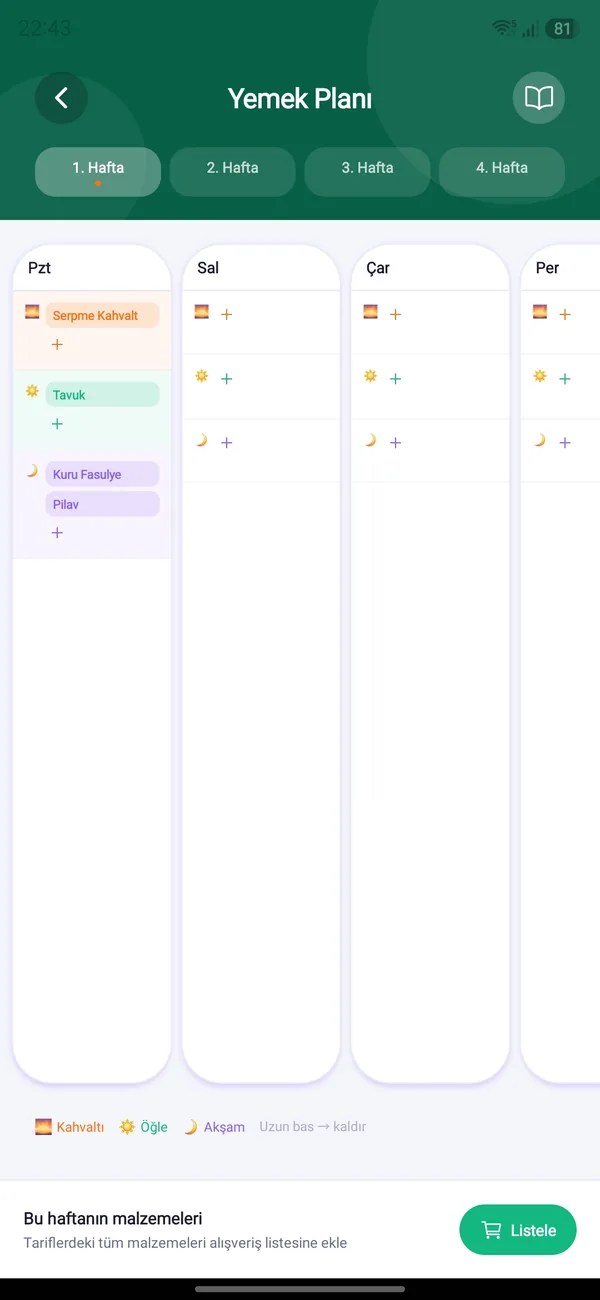
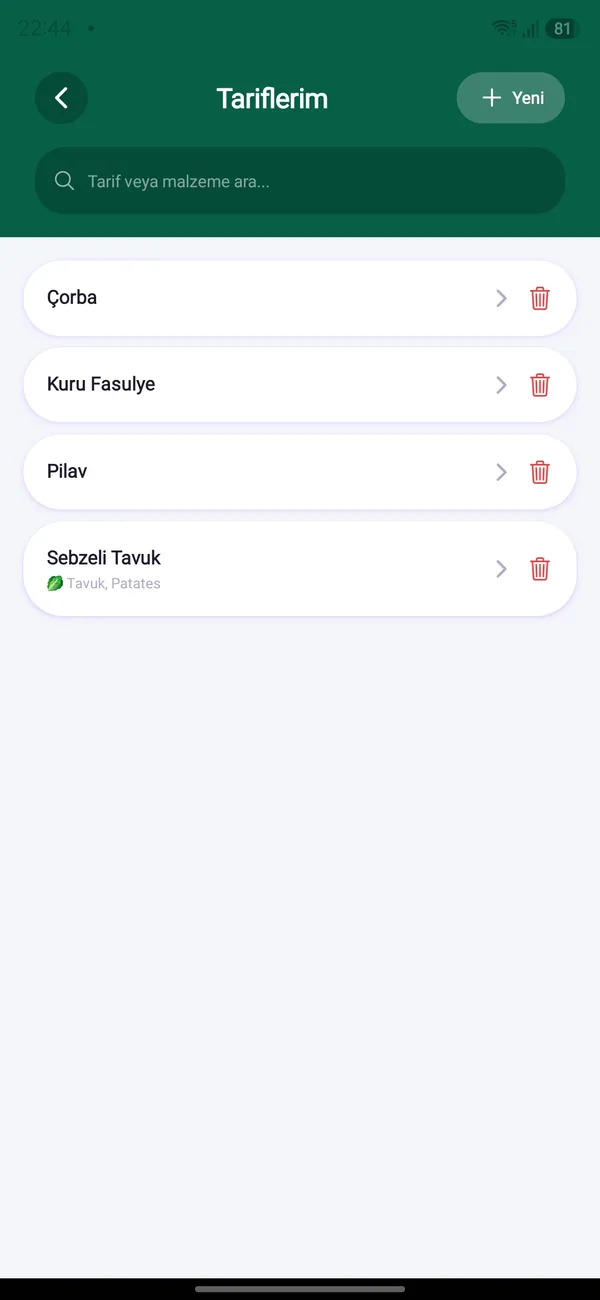
A shared shopping list, a 4-week meal plan and a recipe library. Add a recipe’s ingredients to the list with one tap.
In the app

Screens

Home Hub
Home Hub
Home Hub
Home Hub
Home Hub
Home Hub
Home Hub
Home Hub
Step by step

How to use it

For more detail see the User Guide.

Using the Home Hub

  1. Open the Home Hub tab from the bottom bar.
  2. Switch between Reminders, Warranties, Inventory and Notebook with the tabs at the top.
  3. Shopping List, Meal Plan and Vehicles open from the menu cards.

Warranties & documents

  1. On the Warranties tab tap “+ Add” and type the appliance name.
  2. Enter the purchase date, warranty end and price.
  3. Attach a photo of the invoice or warranty card (up to 3 per record).

Vehicle care

  1. In Vehicles tap “+” to add a car: name, brand, model, plate, current km.
  2. Enter inspection, insurance and comprehensive-cover end dates.
  3. In the vehicle detail add maintenance types such as oil change or tires with a km and/or month interval.
  4. When adding a service record pick which maintenance it covers; only that one’s due date is updated.

Shopping & meals

  1. Add items, quantity and category to the Shopping List; everyone sees ticks in real time.
  2. In the Meal Plan add meals to the days of the week; you can pick from the recipe library.
  3. Send a recipe’s ingredients to the shopping list with one tap.

Try HomBoo

Free on Android and iOS. Start together with your household.