Payments
Reminders for fixed expenses, installments and loans on the day, 1 day or 3 days before.
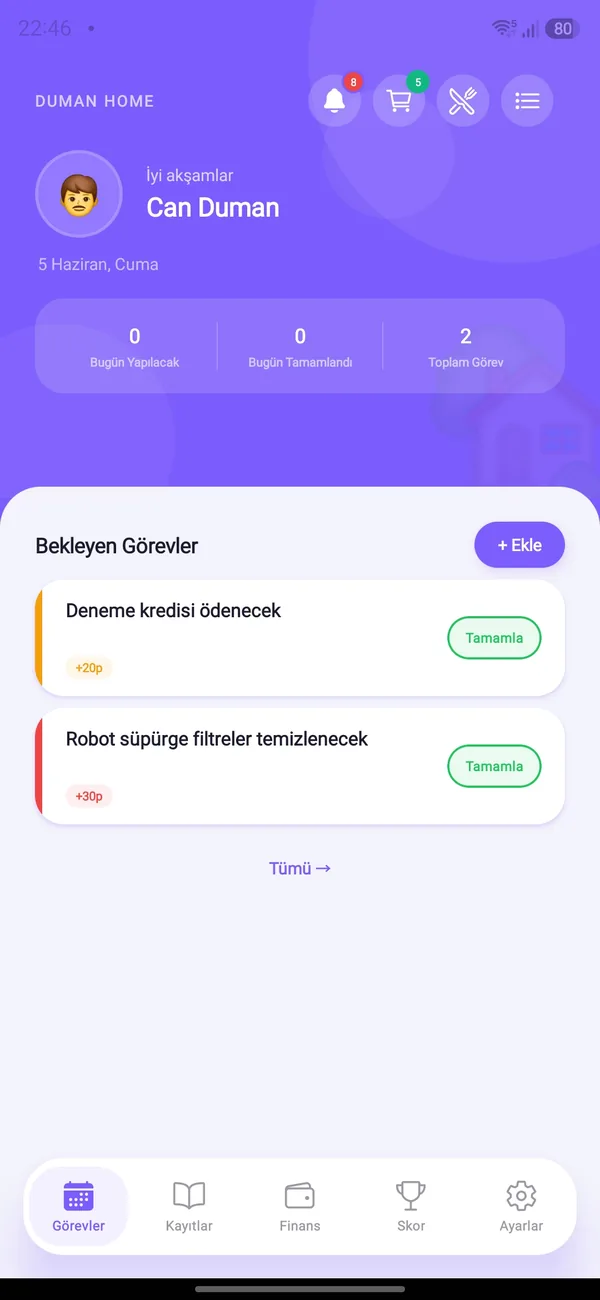
HomBoo tells you when payments, tasks, debts, vehicle and warranty dates are coming up. You choose when and how early.


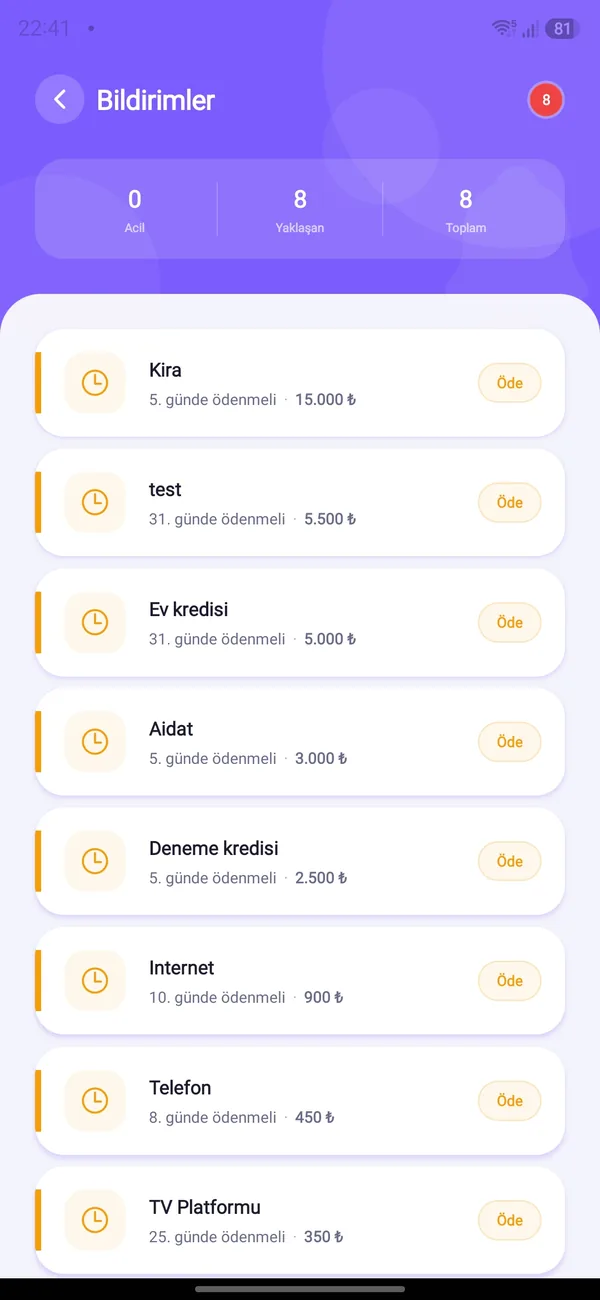
Reminders for fixed expenses, installments and loans on the day, 1 day or 3 days before.
You get a reminder on the morning a task assigned to you, or to nobody, is due.
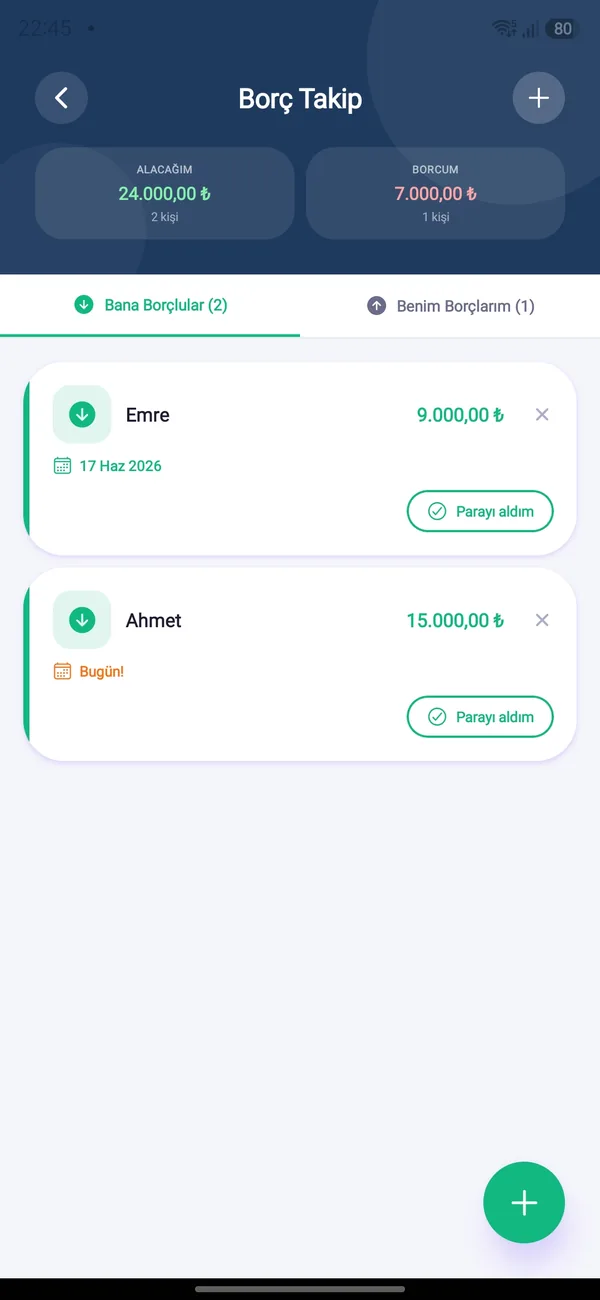
On the due date: who you need to pay or who will pay you.
Inspection, insurance, comprehensive cover and maintenance time; appliance warranties and product expiry dates approaching.
When someone completes a task or the weekly winner is decided, everyone is notified in their own language.
Switch categories on or off, pick the reminder time — or turn everything off with one switch.
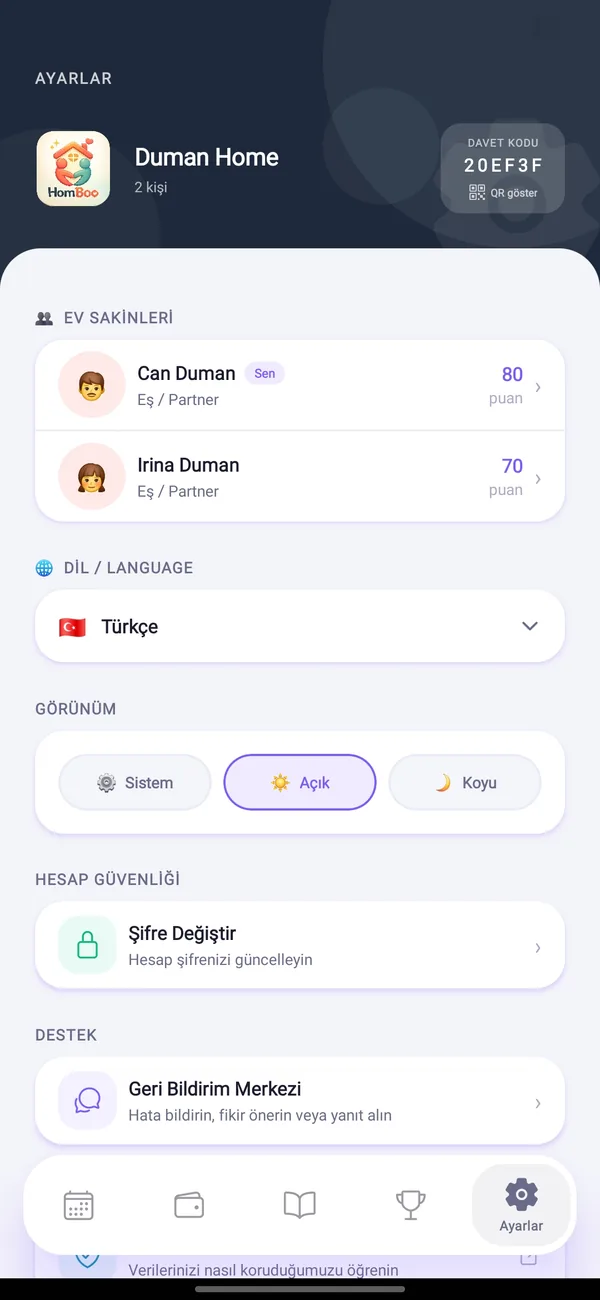
Reminders are scheduled on your device and rebuild themselves when you switch phones or reinstall.

Free on Android and iOS. Start together with your household.