Points by difficulty
Easy is 10, medium 20, hard 30 points. Harder work earns more, so effort becomes visible.
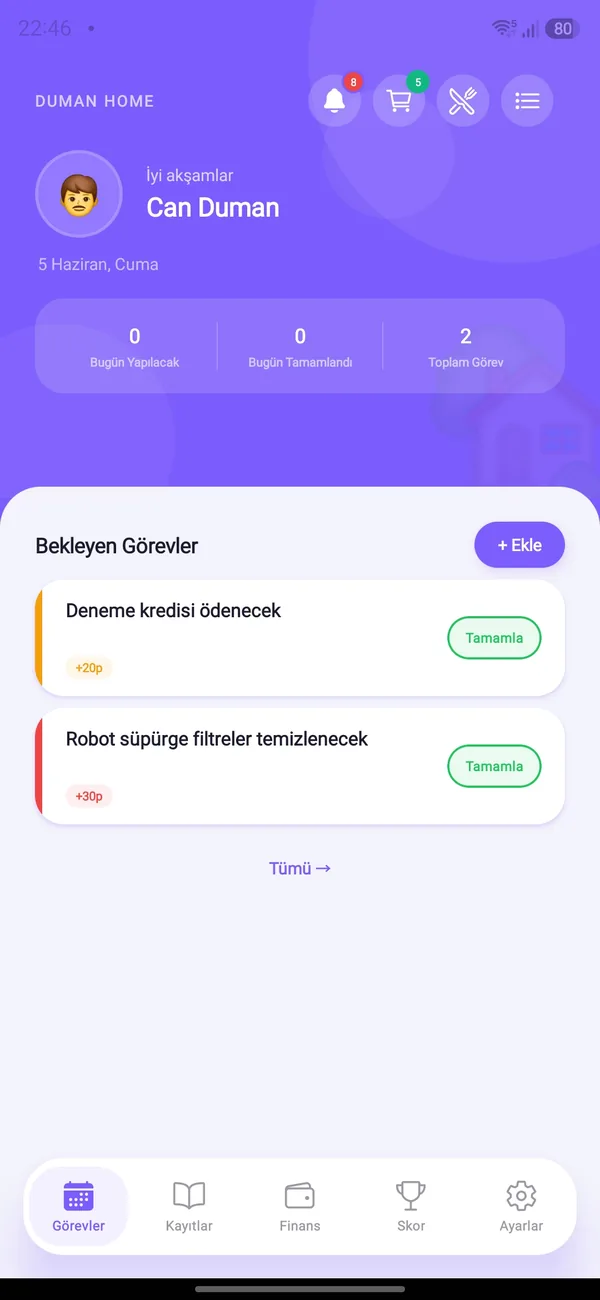
Create tasks, assign them and set a due date. Every completed task earns points, so chores turn into a game.


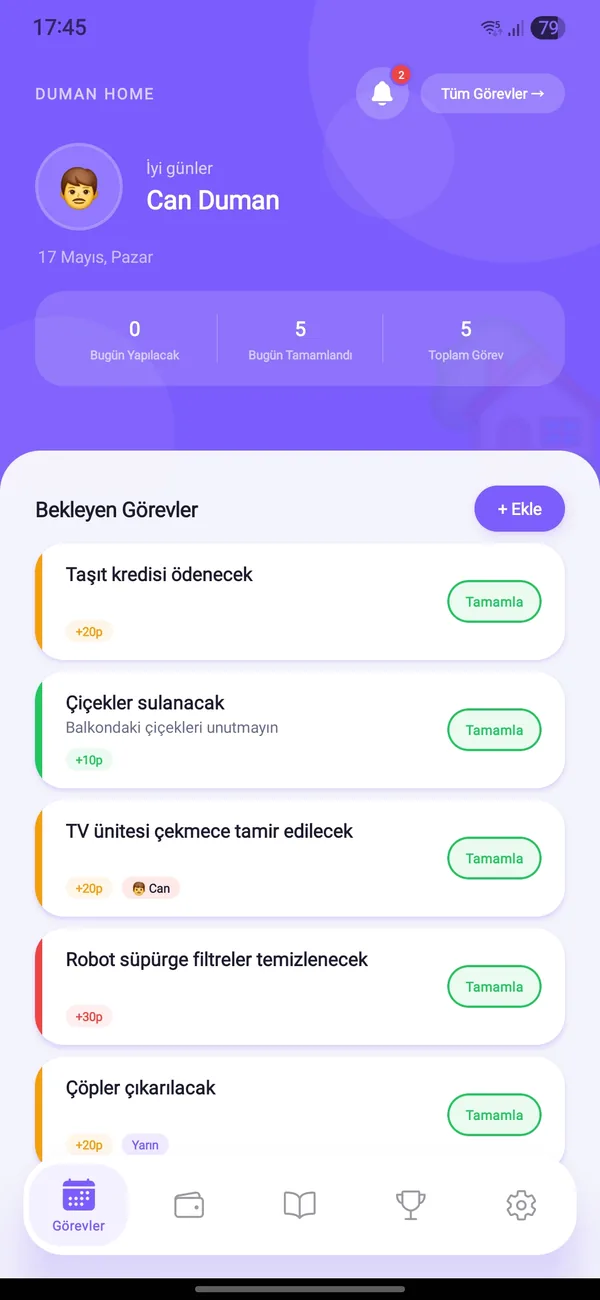
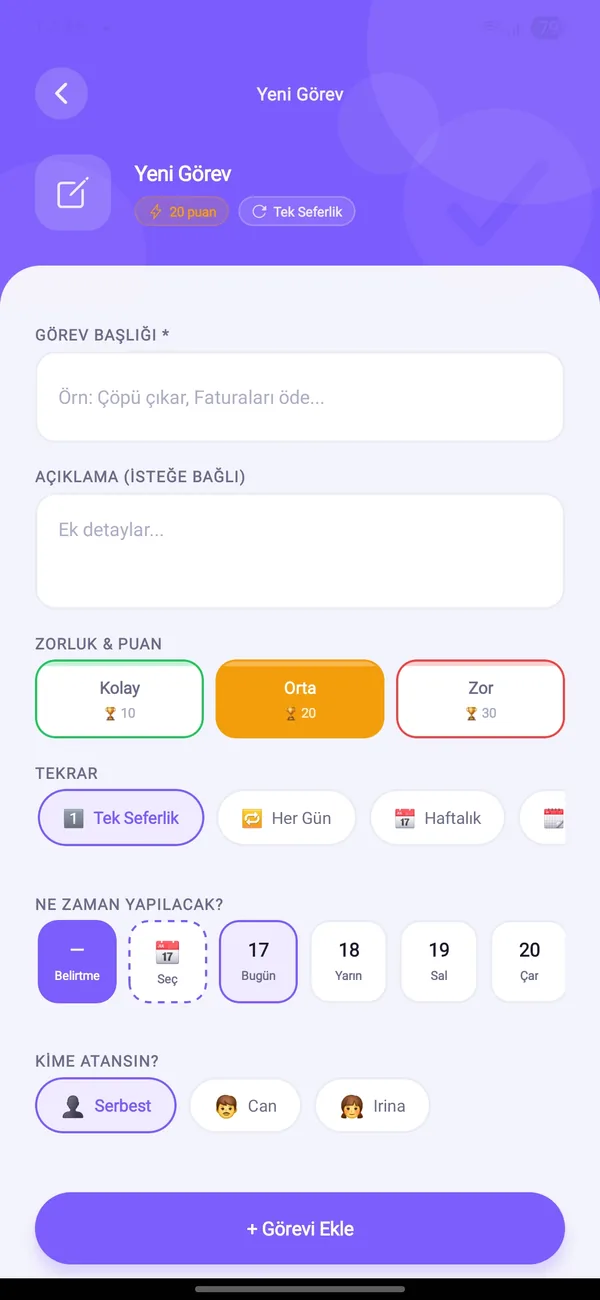
Easy is 10, medium 20, hard 30 points. Harder work earns more, so effort becomes visible.
One-off, daily, every N days, weekly or monthly. When you complete a task the next occurrence is created automatically.
Assign a task to a household member or leave it open. Everyone can see who did what.
Today’s tasks stand out and overdue ones get a red “Late” badge.
When a fixed expense is paid its linked task is completed, and completing the task marks the payment as paid.
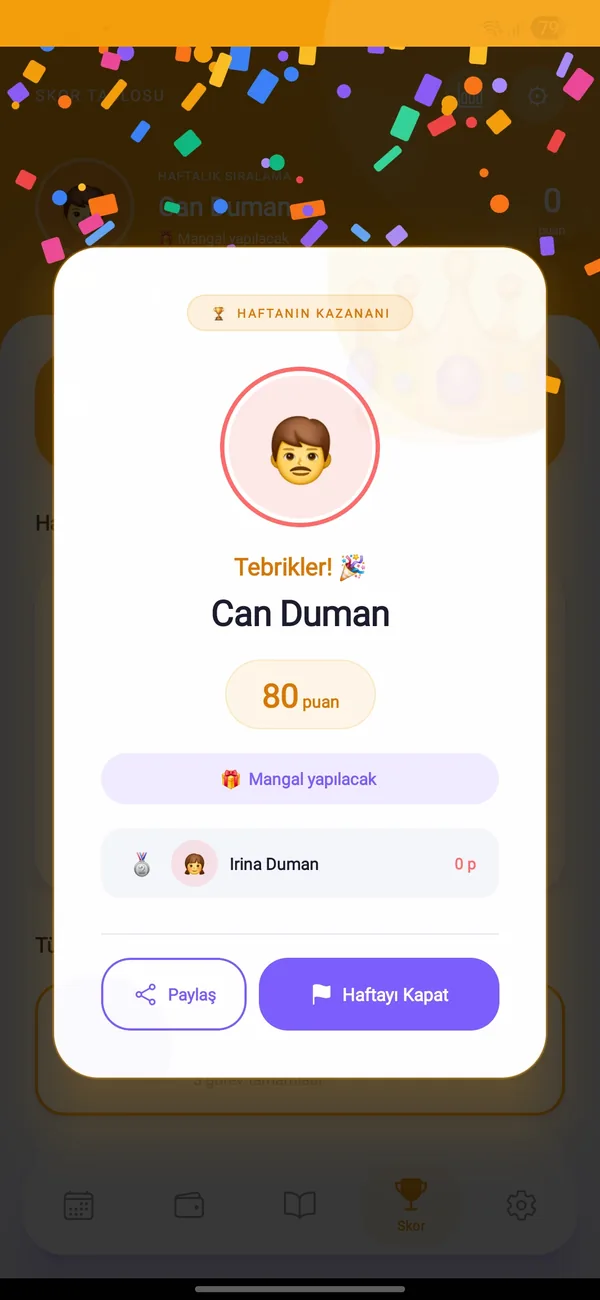
When someone completes a task, the other household members get a notification.
For repeating tasks the next date is counted from the due date, not the day you finish.

Free on Android and iOS. Start together with your household.